
Price Disclaimer and Key Notes
Please note that prices and availability of our products are subject to change without prior notice. Despite our best efforts to maintain accuracy, occasional errors may occur. In such cases, where a pricing discrepancy is identified, we will promptly notify you via chat, email, or phone. You will then have the option to accept the amended price or cancel your order.
We highly recommend verifying stock availability and prices before proceeding with your payment. For credit card payments, please allow approximately six to eight business days for processing and clearance. Your understanding and cooperation in these matters are greatly appreciated. Shipment will occur within two to five business days following the clearance of payment. Please be aware that our primary focus is on Dell, HP & Lenovo business computers and servers. Accessories are typically available for purchase as part of a bundle or may be offered in larger quantities.
We're sorry to convey that we do not participate in government bids and won't be providing quotation requests.


Beschreibung
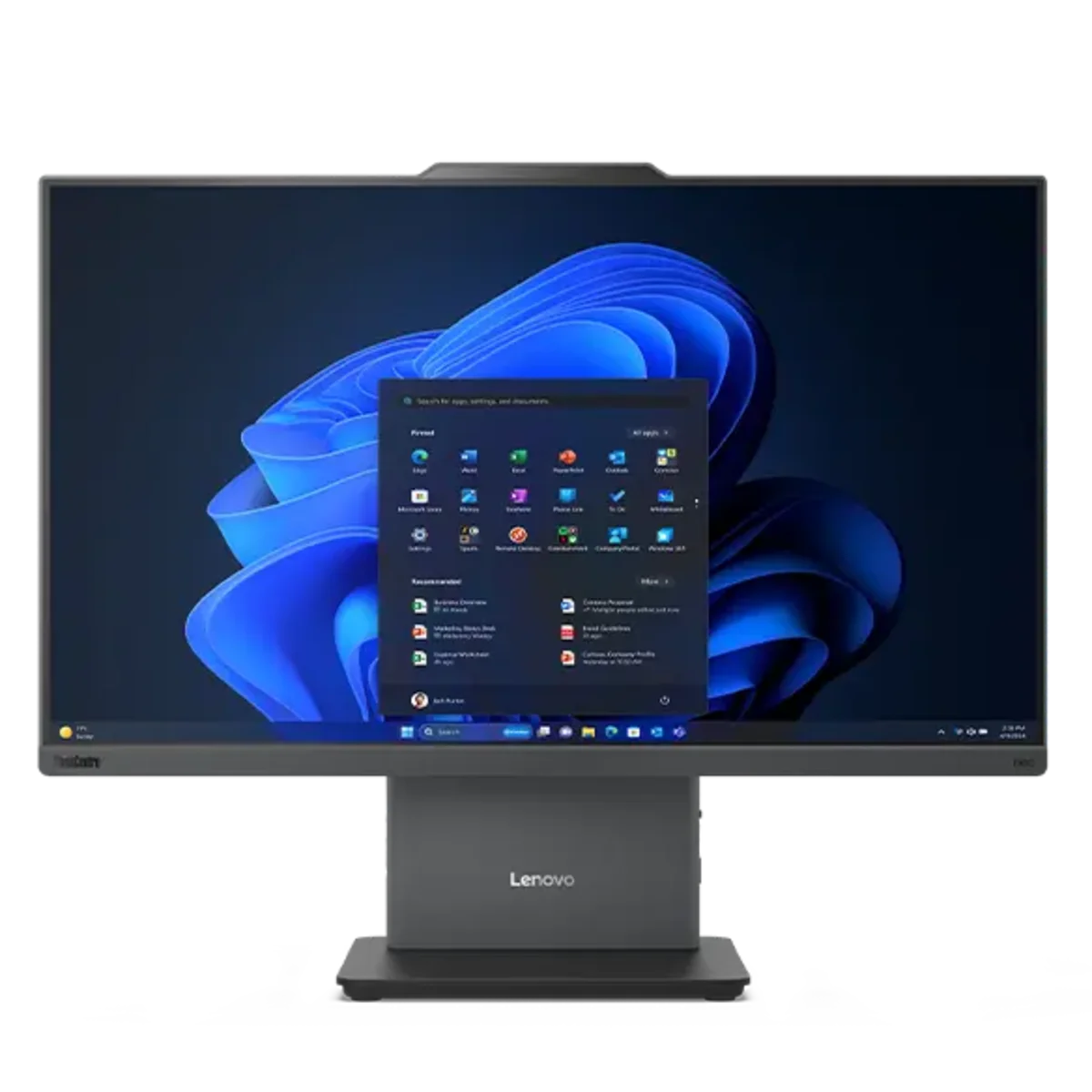
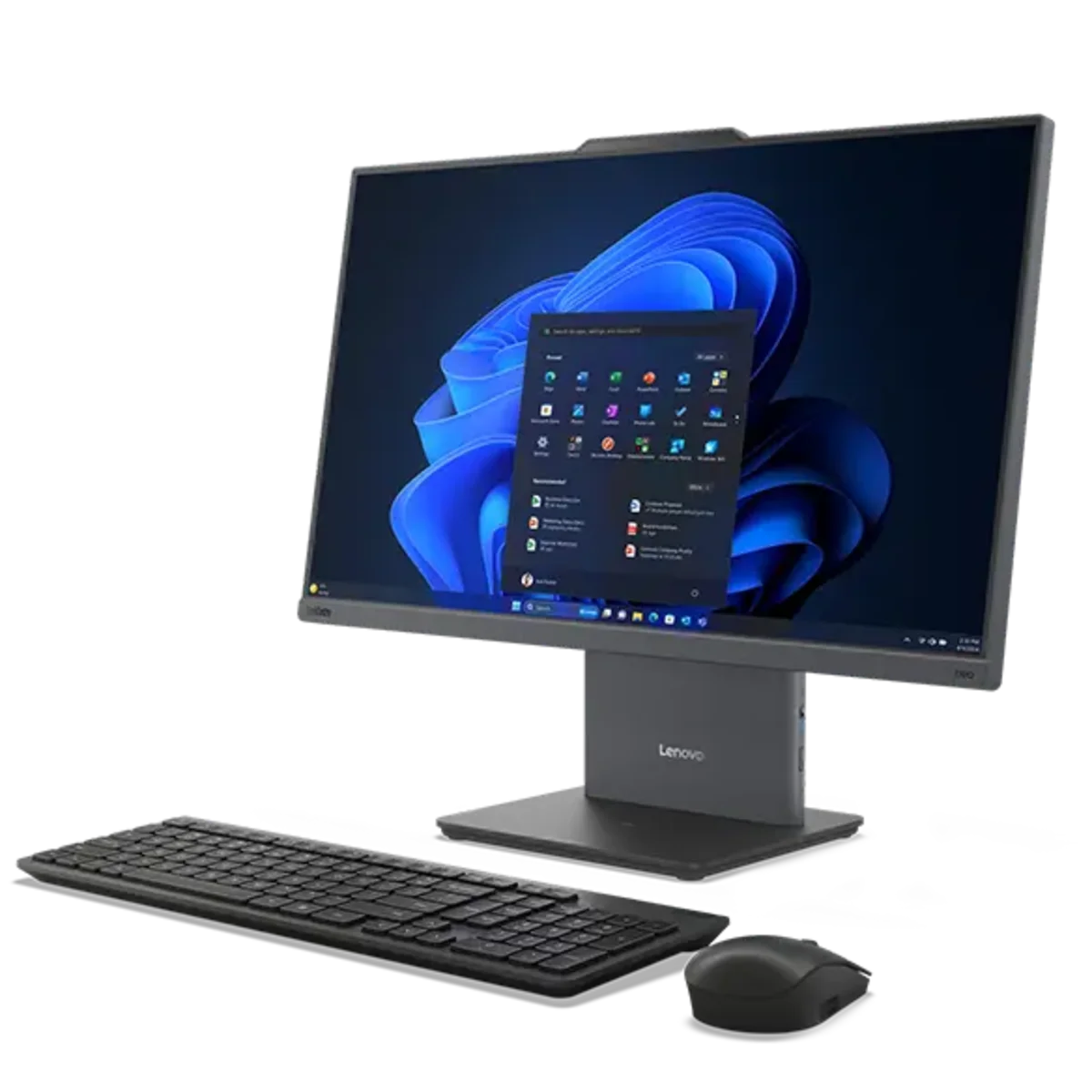
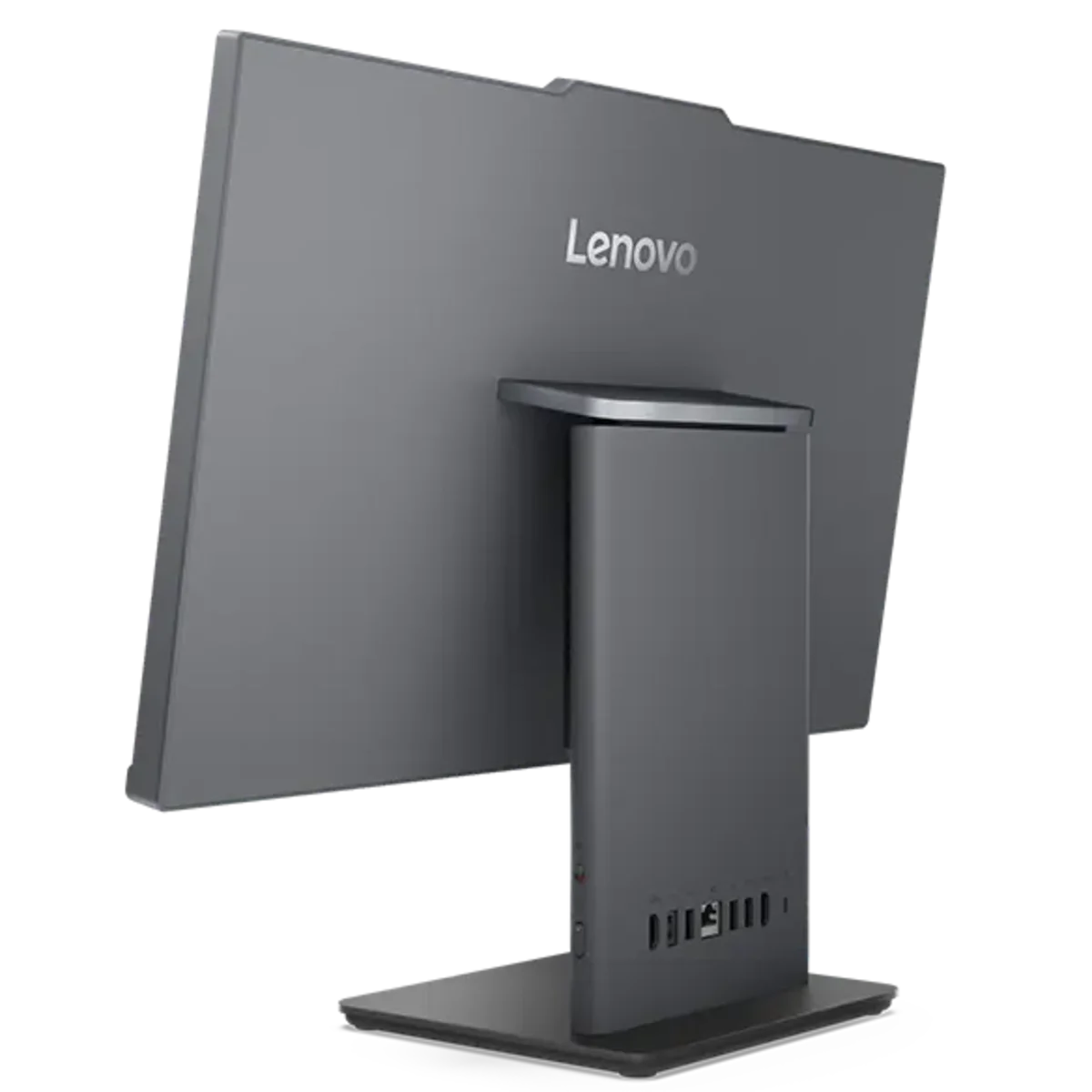
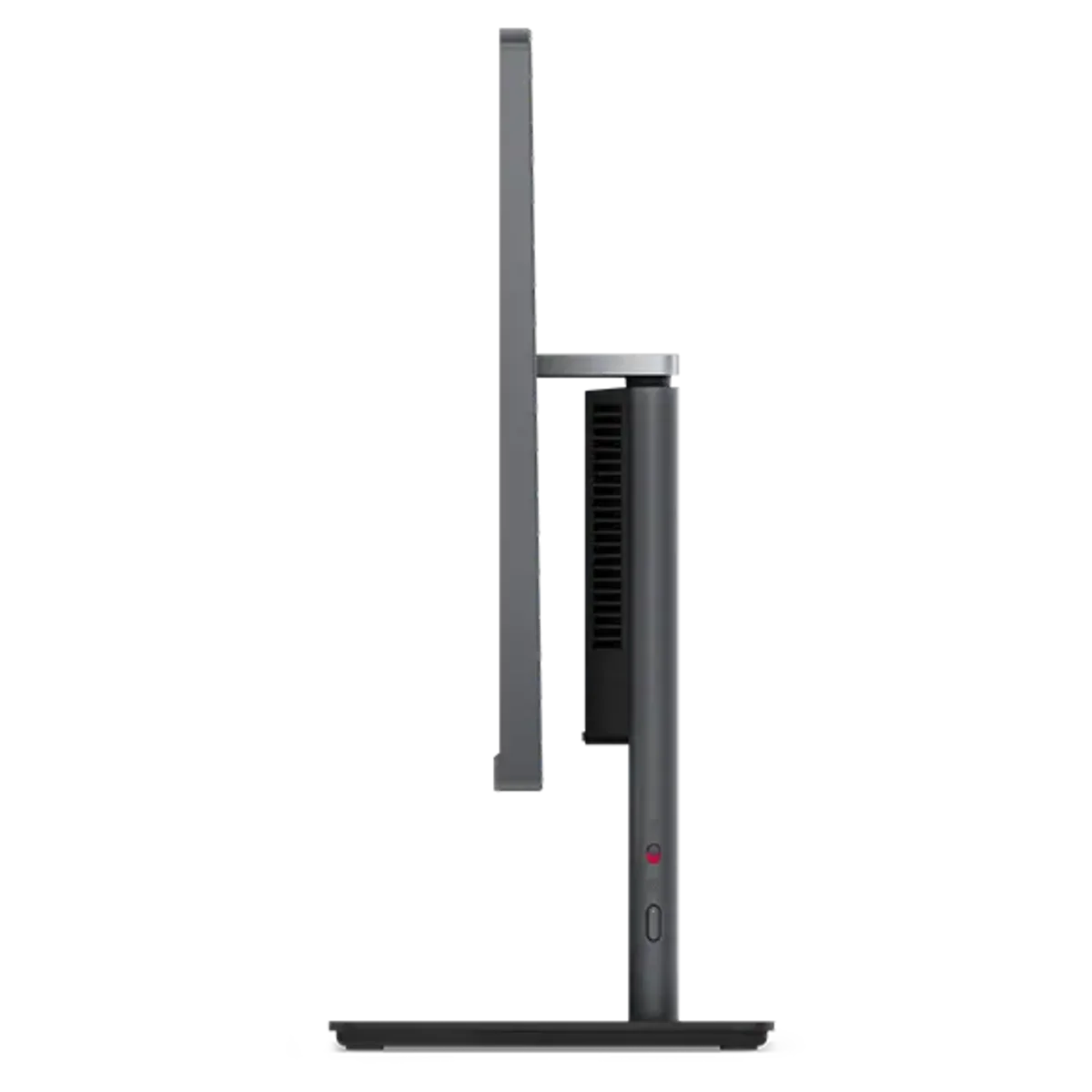
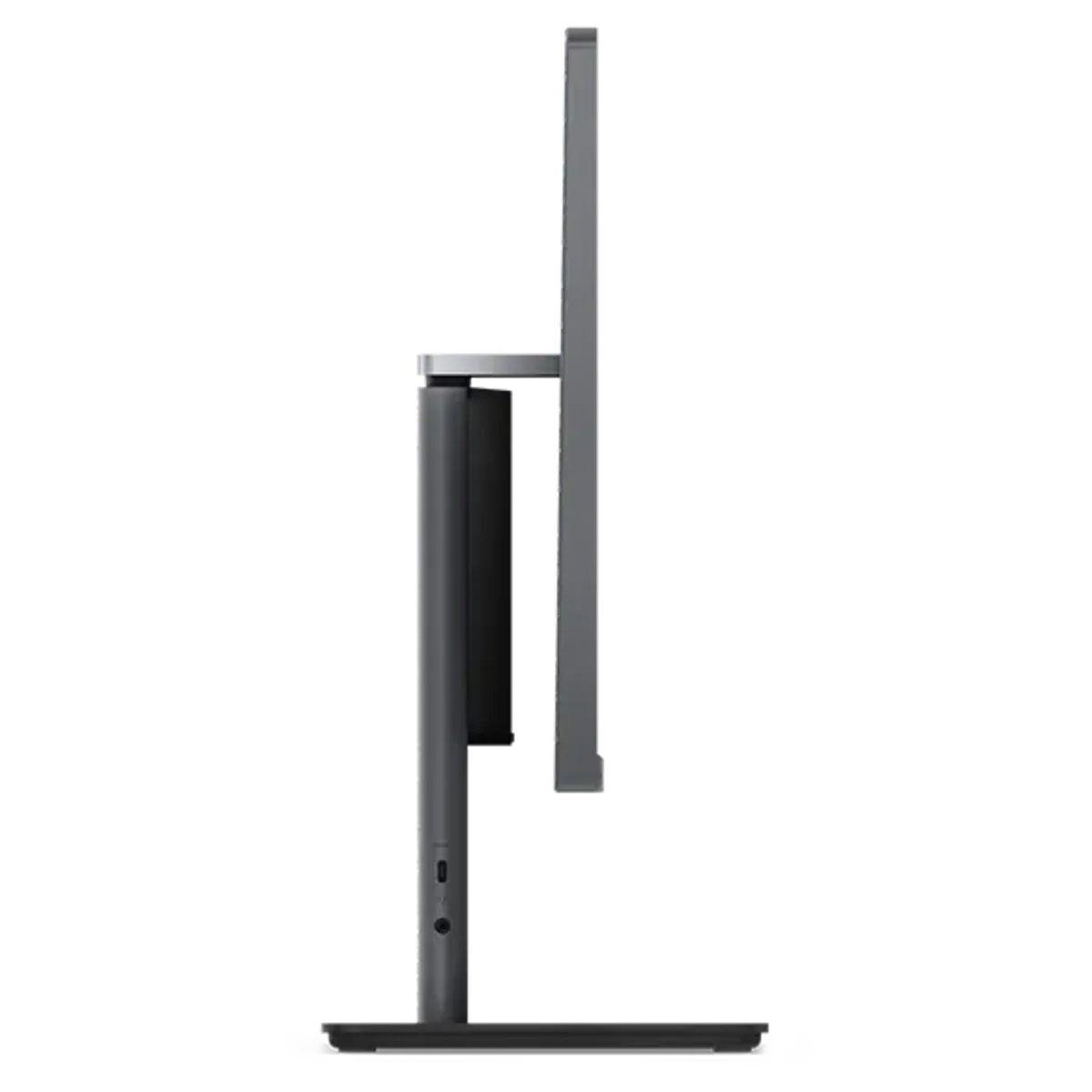
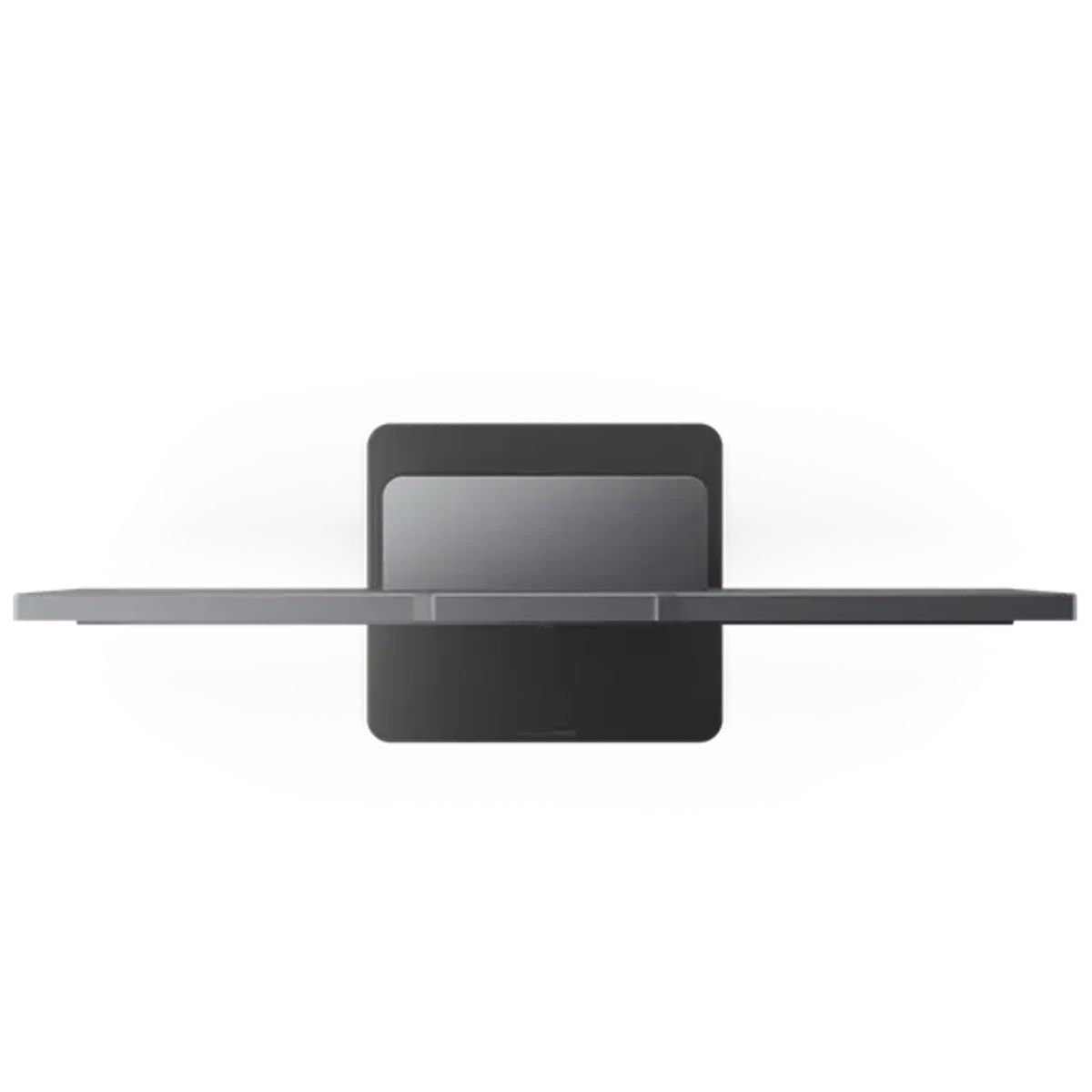
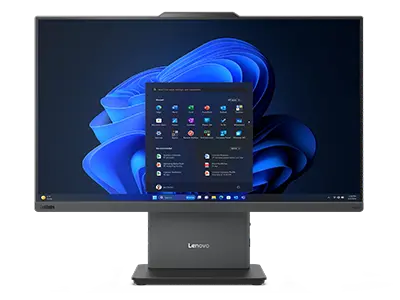
12SD00BBPC ThinkCentre neo 50a 24 Gen 5
Display 23.8" FHD (1920x1080) IPS Anti-glare 250nits, 99% sRGB
Processor Intel Core i5-13420H, 8C (4P + 4E) / 12T, P-core up to 4.6GHz, E-core up to 3.4GHz, 12MB Intel Smart Cache
Memory 1x 16GB SODIMM DDR5-5200
Storage 512GB SSD M.2 2280 PCIe 4.0x4 NVMe
Graphics Integrated Intel UHD Graphics
Operating System Windows 11 Pro, English
WLAN + Bluetooth Intel® Wi-Fi® 6 AX201, 802.11ax 2x2 + BT5.2
Security Chip Firmware TPM 2.0 integrated in SoC
Warranty 3Y Premier Support Upgrade
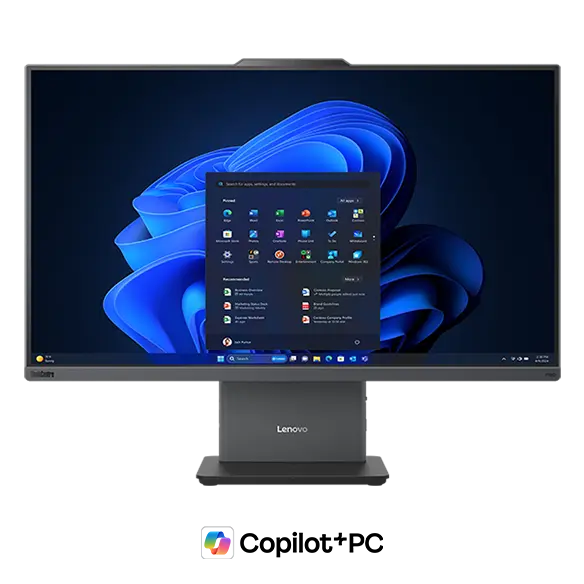
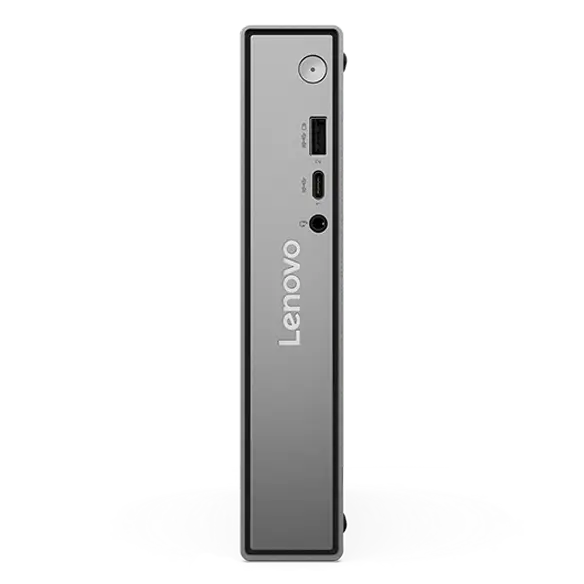

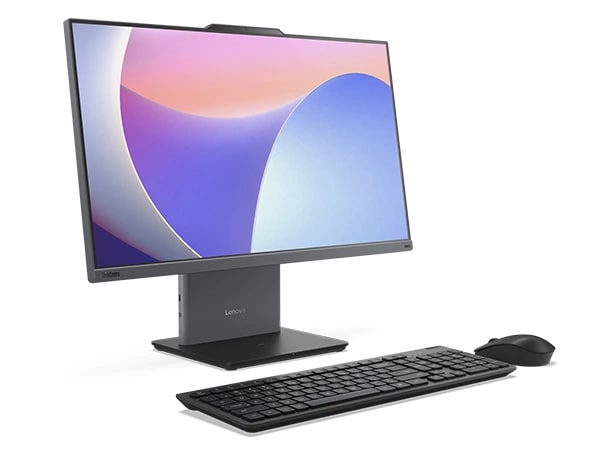
The Lenovo ThinkCentre Neo 50a Gen 5 all-in-one PC boasts a compact, sleek design, and ultra low-noise operation, making it perfect for front-office work. Committed to user comfort, the entry level desktop reduces operational noise and is ideal for environments where silence is golden. With the power of up to13th gen Intel® Core™ processing, this AIO delivers the performance to power through the workday. Ideal for home office and hybrid workers, this energy-efficient PC is all about providing you with a more comfortable computing experience, keeping distractions at bay.
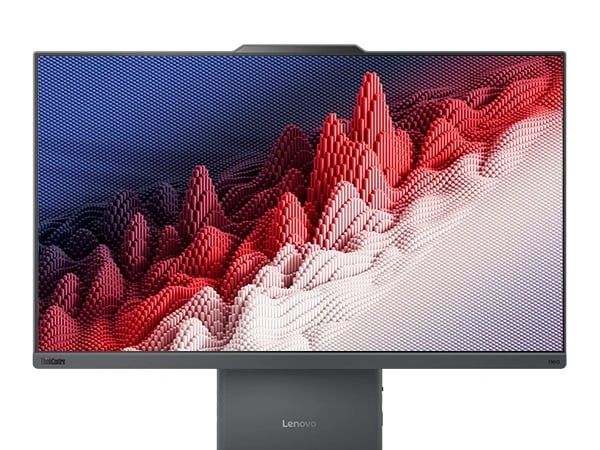
Big-screen clarity for unparallel efficiency
Dive into an effortless multitasking experience with a gorgeous display that brings every detail to life. The Neo 50a Gen 5 all-in-one PC is designed for those who demand more and seek excellence in every task. The 23.8″ panel — with or without touch — features a fully upgraded experience with high refresh rates that deliver visual clarity, while an almost borderless bezel adds to the stylish, modern appearance. What’s more, easy monitor tilts adds to the viewing comfort to best suit your needs.
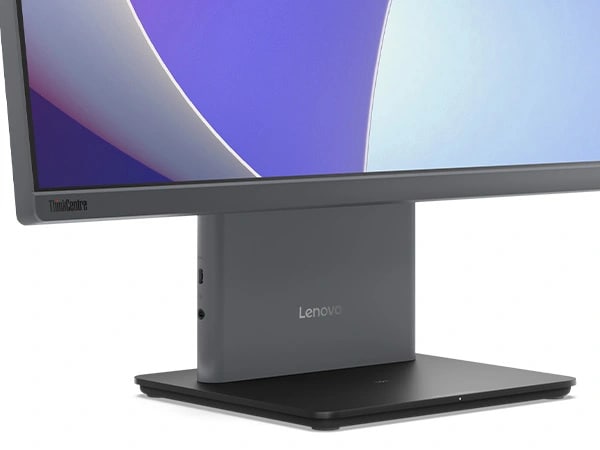
The ThinkCentre Neo 50a Gen 5 PC is built for forward-thinking businesses. Experience the future of device charging with the first entry-level all-in-one that offers an optional wireless charging stand with a charger base that frees up limited electrical outlets and its USB-C ports, making it convenient to charge devices. Plus, Lenovo Smart Storage offers speedy sharing, automatic backups, and remote access to your data, anywhere, anytime while enhanced WiFi 6 &Bluetooth® connectivity keep you online and your devices connected without wires.
Transform your virtual presence
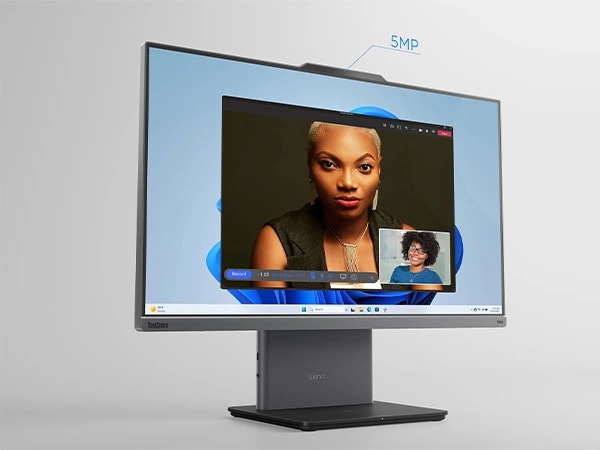
We’ve redefined the experience of virtual interaction with the ThinkCentre Neo 50a Gen 5 all-in-one PC. Its 5MP camera that’s boosted with unique AI features enable crystal-clear conferences while the Lenovo Smart Meeting software lets you create temporary digital avatars as your virtual embodiments on the go. Plus, traits like AI noise suppression, face and group tracking, and directional voice capture ensure you and your colleagues look and sound your best — especially, with immersive audio supported by dual speakers from Dolby Audio™ and Harman®.
Performance fused with protection
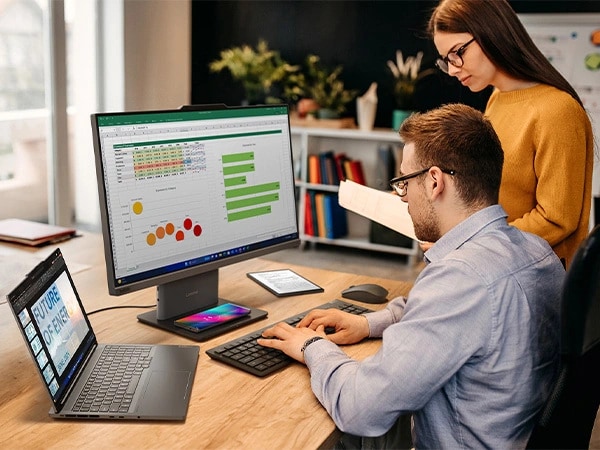
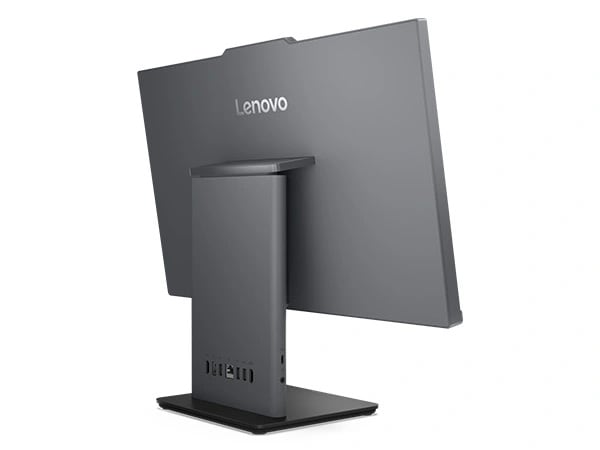
Elevate your business security with the Neo 50a Gen 5 PC. It comes with optional ThinkShield security, an integrated suite of hardware and software components, that strengthens your data defense. The built-in Trusted Platform Module firmware (fTPM) encrypts your critical data and prevents vulnerabilities. Stay discreet with the e-shutter privacy feature that can be easily switched off when you want. Plus, Lenovo Vantage is always on guard for you when it comes to data and device protection, computing issues, alarming WiFi networks, data recovery, and more.
*Specifications may vary depending upon region / model.
Specifications may vary depending upon region / model.
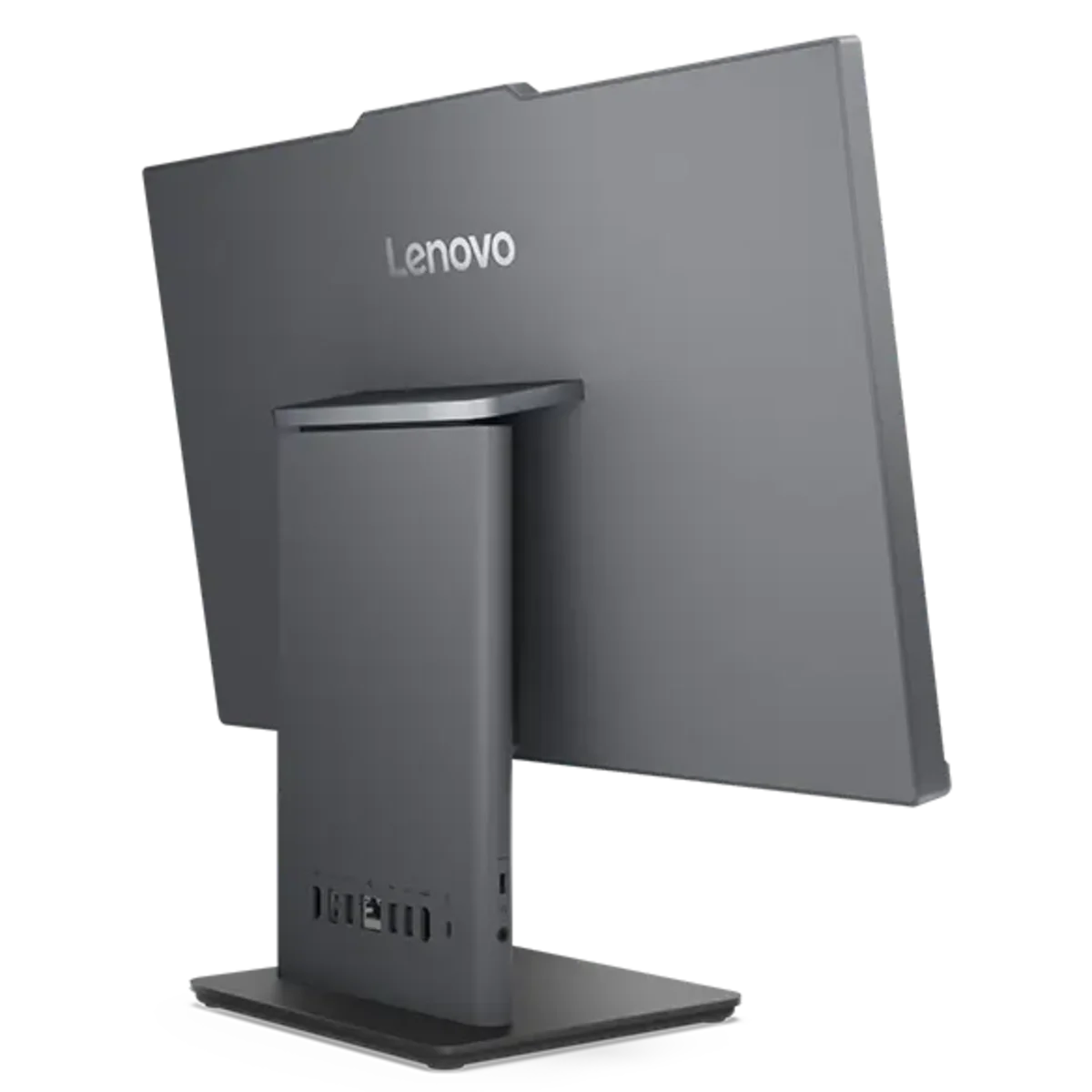
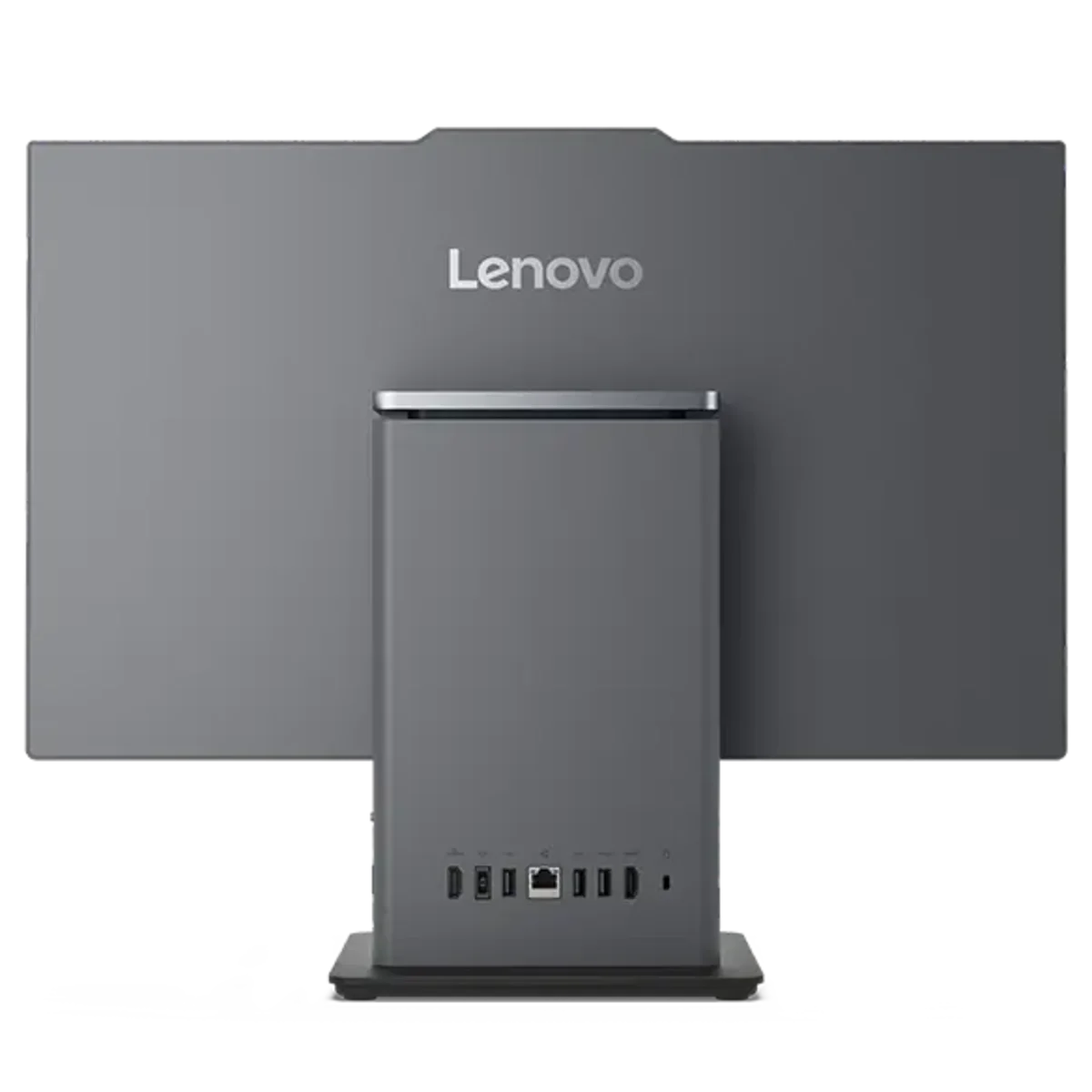
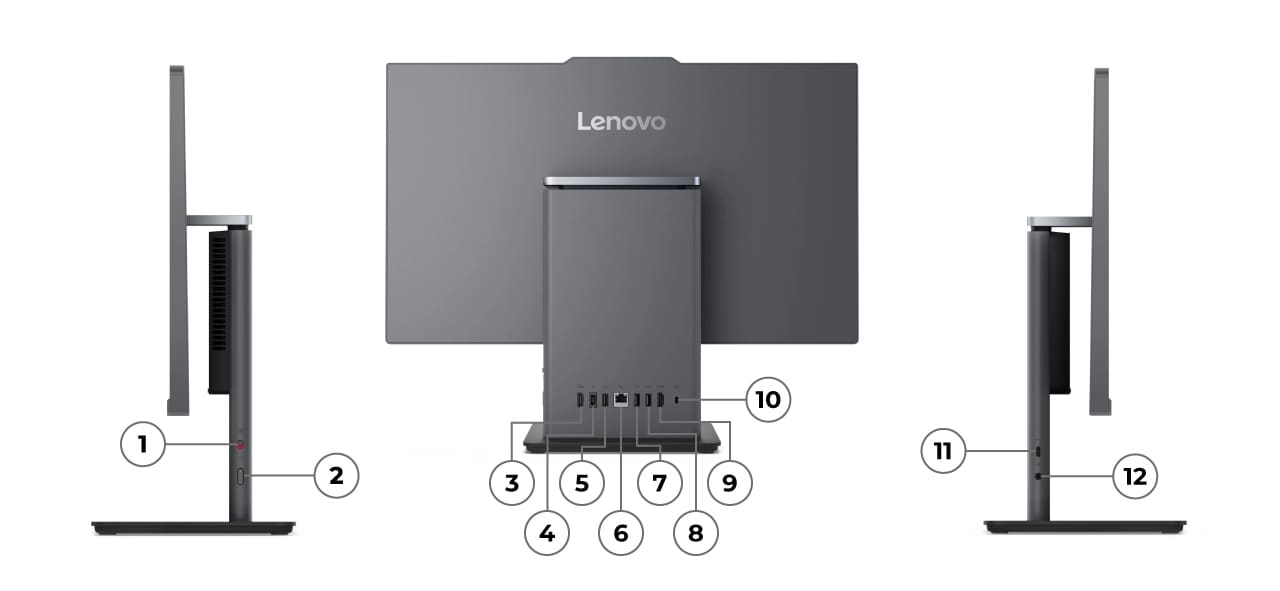
Ports & Slots
Find the Perfect Fit
Compare Similar Products
What specs do you want to compare?
-
Processor
Up to AMD Ryzen™ 7 AI 200 Series
-
Operating System
Up to Windows 11 Pro
-
Memory
Up to 64GB DDR5 (5600MHz), dual SODIM
-
Storage
Up to 2TB PCIe Gen4, SSD
Reviews
Filter Reviews
-
satisfaction
-
purchase
-
speed
-
performance
-
setup
-
price
-
ease of use
-
for business use
Best Value for Home/Office/School PC/
Yes, I recommend this product.

Originally posted on lenovo.com
Nice Quality AIO Device
Yes, I recommend this product.
Originally posted on lenovo.com
Pleased with the performance of my ThinkCentre
Yes, I recommend this product.
Originally posted on lenovo.com
From Old to New Lenovo was quick and simple
Yes, I recommend this product.

Originally posted on lenovo.com
Fantastic Computers
Originally posted on lenovo.com
Lenovo, Just the PC for you!
Yes, I recommend this product.
Originally posted on lenovo.com
Maximum Bang for the Buck!
Yes, I recommend this product.
Originally posted on lenovo.com
ThinkCentre neo 50a Gen 5 24" AIO
Yes, I recommend this product.

Originally posted on lenovo.com
ThinkCentre Neo 50a Gen 5 (24″ Intel) AIO
Yes, its compact design, AI-assisted features, and powerful 13th Gen Intel® Core™ processor make it perfect for remote and hybrid work setups.

Your laptop is your biggest gateway to the online world and beyond (except for your smartphone, of course). And we all have different priorities:
-
Performance laptops for creators, professionals, or gamers – we’ve got powerhouses that rival what desktops deliver.
-
Ultraportable laptops for folks who are always on the go.
-
Budget laptops that give you value and performance in a single package.
-
Innovative 2-in-1s – part laptop, part tablet, part nothing you’ve seen before – for those who want to tap the untested power of the new.
Business Laptops
Our ThinkPad laptops set the standard for business computing. Tough as nails and reliable, these laptops and 2-in-1s keep you productive in any environment. And it gives you the tools you need – from high-end processing and graphics to cutting-edge touchscreen technology, from pen support to epic battery life, ThinkPad keeps you productive and engaged wherever you are.
Gaming Laptops
Gamers don’t have to feel bound to their desktops anymore. Legion by Lenovo lets you dominate your competitors wherever you are. Are you hardcore? We’ve got you covered with laptops that boast powerful discrete graphics and overclockable CPUs. We’ve also got budget options for casual gamers. But whatever laptop you choose will let you lose yourself in immersive audio and vivid displays.
Convertible Laptops
Ready for something different? Our groundbreaking Yoga laptops, tablets and 2-in-1s will definitely turn heads – and you’ll find new ways to do what you love. Vibrant displays and immersive audio? Check. Tablets that work as movie or presentation projectors . Yep. Pen support for artists and designers and a Halo Keyboard that’s seriously like nothing you’ve ever seen before? It’s all yours to explore.