Price Disclaimer and Key Notes
Please note that prices and availability of our products are subject to change without prior notice. Despite our best efforts to maintain accuracy, occasional errors may occur. In such cases, where a pricing discrepancy is identified, we will promptly notify you via chat, email, or phone. You will then have the option to accept the amended price or cancel your order.
We highly recommend verifying stock availability and prices before proceeding with your payment. For credit card payments, please allow approximately six to eight business days for processing and clearance. Your understanding and cooperation in these matters are greatly appreciated. Shipment will occur within two to five business days following the clearance of payment. Please be aware that our primary focus is on Dell, HP & Lenovo business computers and servers. Accessories are typically available for purchase as part of a bundle or may be offered in larger quantities.
We're sorry to convey that we do not participate in government bids and won't be providing quotation requests.
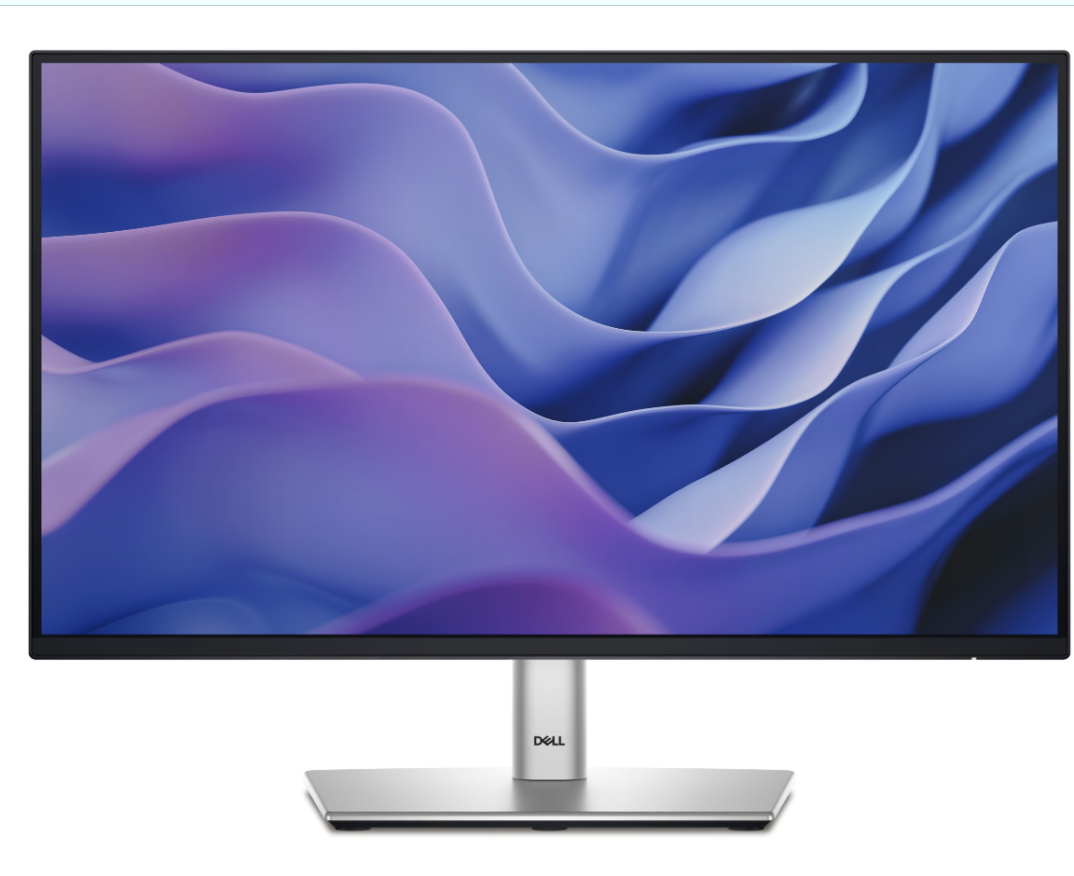
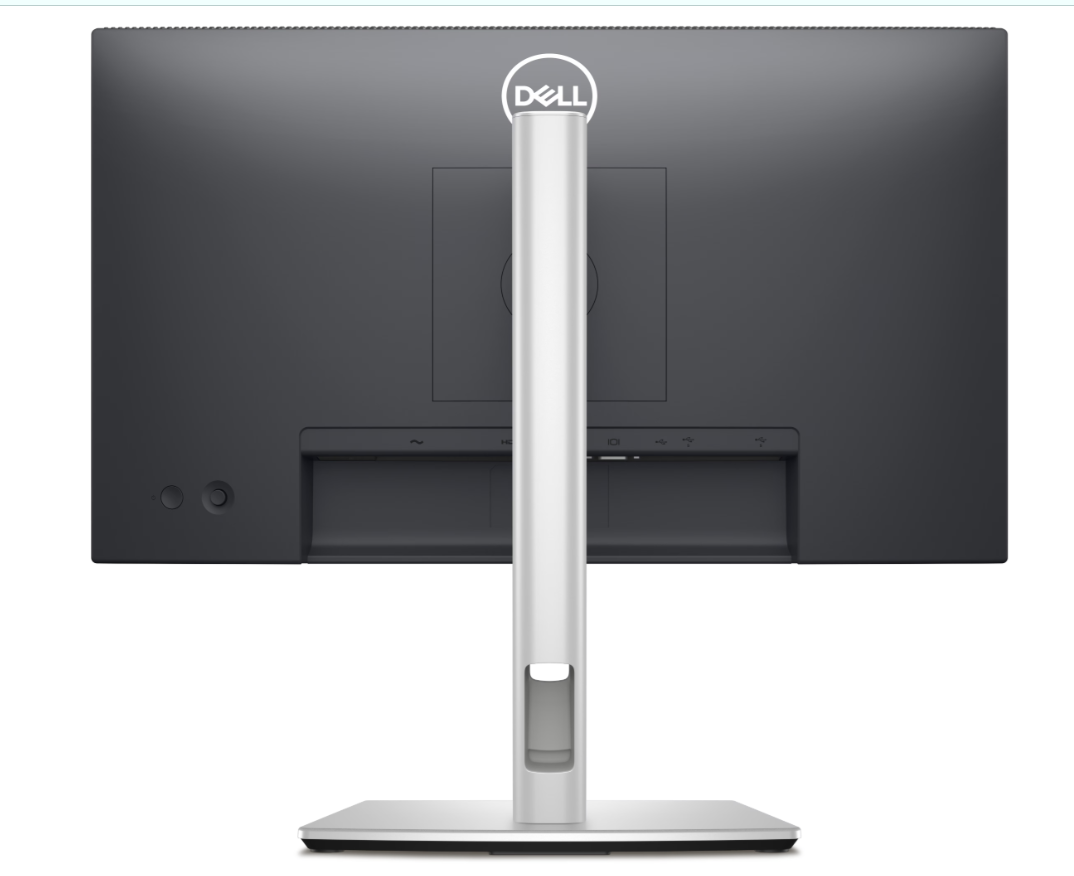




Beschreibung
Area: 127,484.11 mm2 (197.60 inches2 )
8ms gray-to-gray (Normal mode)
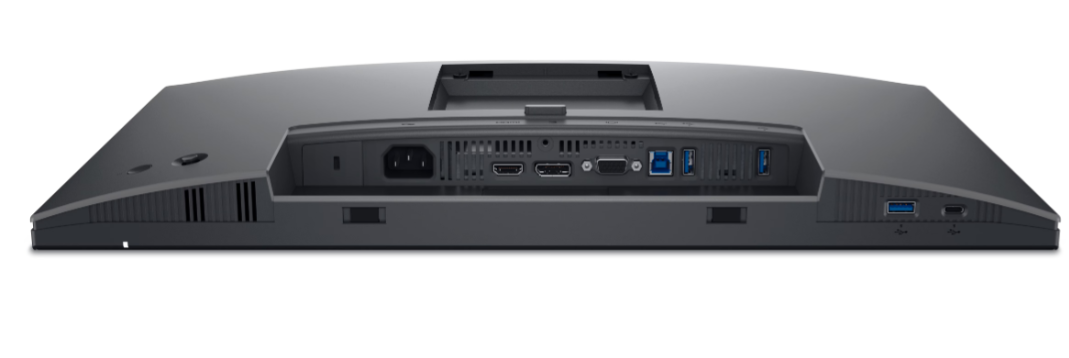
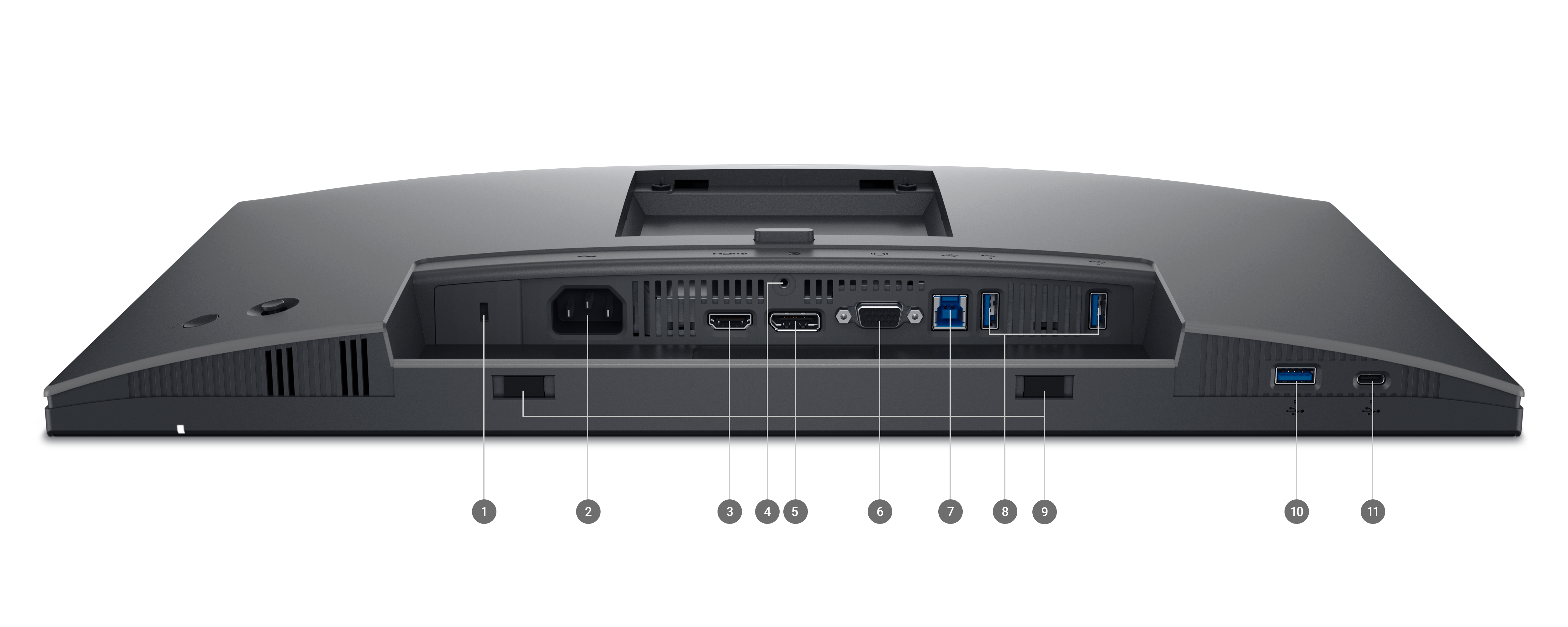
- 1x HDMI 1.4 (HDCP 1.4) (Supports up to FHD 1920 x 1080 100Hz TMDS as per specified in HDMI 1.4)
- 1x DP 1.2 (HDCP 1.4)
- 1x VGA
- 1x USB 3.2 Gen1 Type-B upstream
- 3x USB 3.2 Gen1 Type-A downstream
- 1x USB 3.2 Gen1 Type-C downstream with up to 15W PD (data only)
0.3 W (Standby mode)
10.9 W (On mode)
60 W (Max)
10.1 W (Pon)
32.2 kWh (TEC)
EPEAT GOLD
EPEAT Climate+
TCO Certified Displays
TCO Certified Edge
RoHS-compliant
BFR / PVC free monitor (excluding external cables)
Arsenic-free glass and mercury-free (panel only)
Non-operating: -20° ~ 60°C (-4° ~ 140°F)
Non-operating: 5% ~ 90% (non-condensing)
Non-operating: 12,192 m (40,000 ft) max
- 1x Monitor panel
- 1x Stand riser and base
- 1x Quick setup guide
- 1x Safety, Environmental, and Regulatory Information
- 1x Power cord
- 1x DP-to-DP cable, 1.8m
- 1x USB 3.2 Gen1 Type A-to-B (upstream) cable, 1.8m
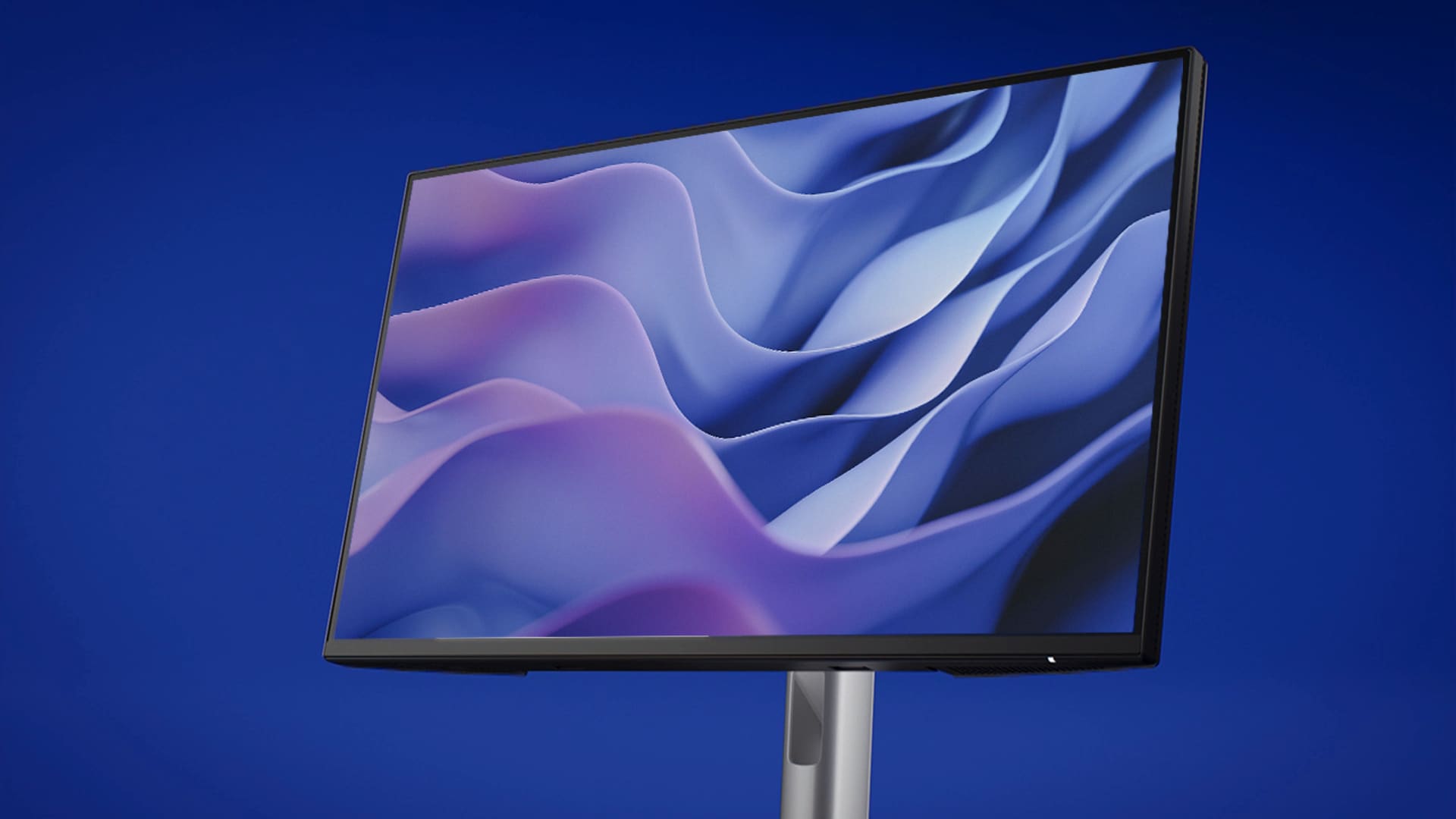
Enhanced eye comfort
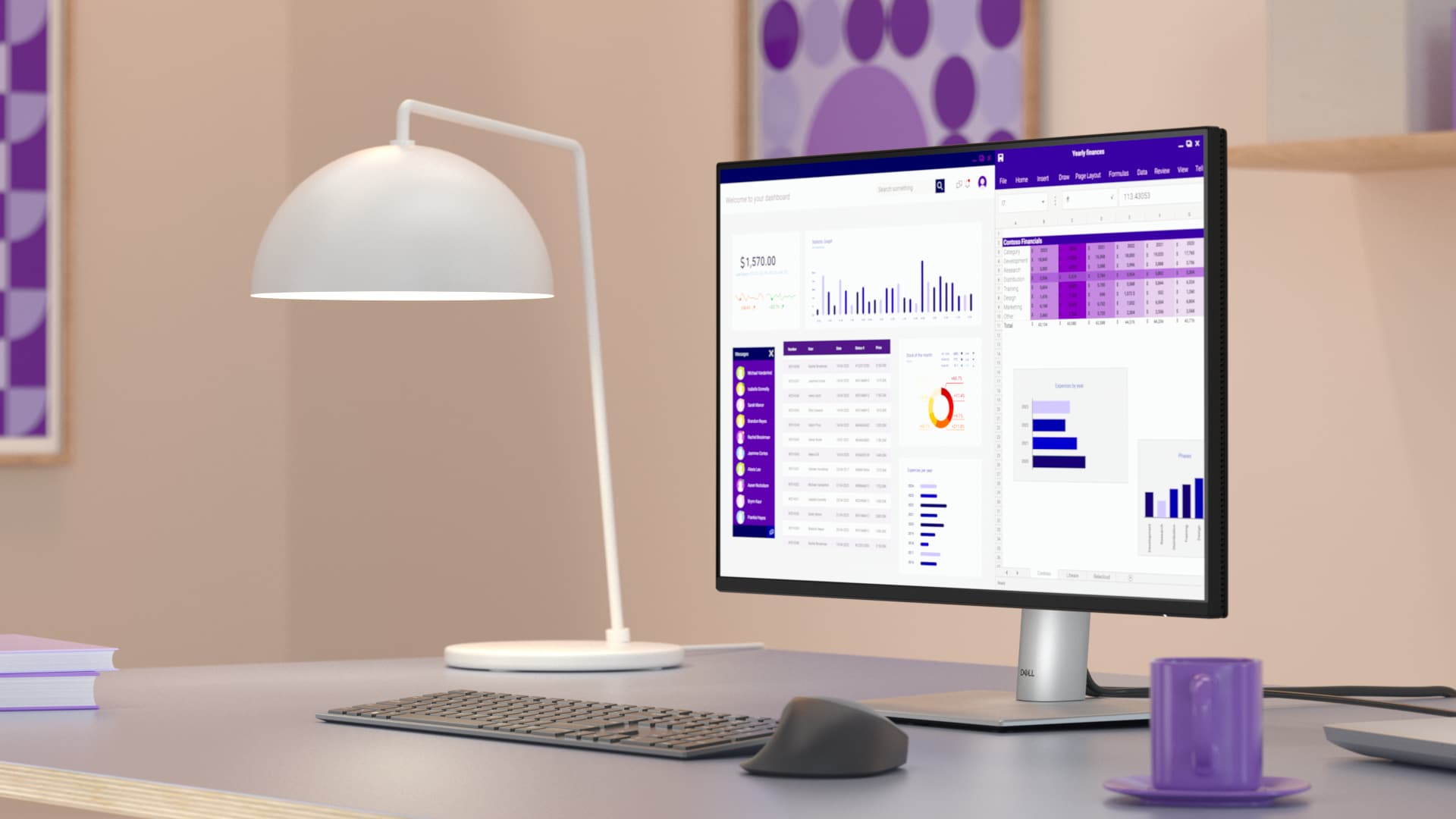
Improved ComfortView Plus
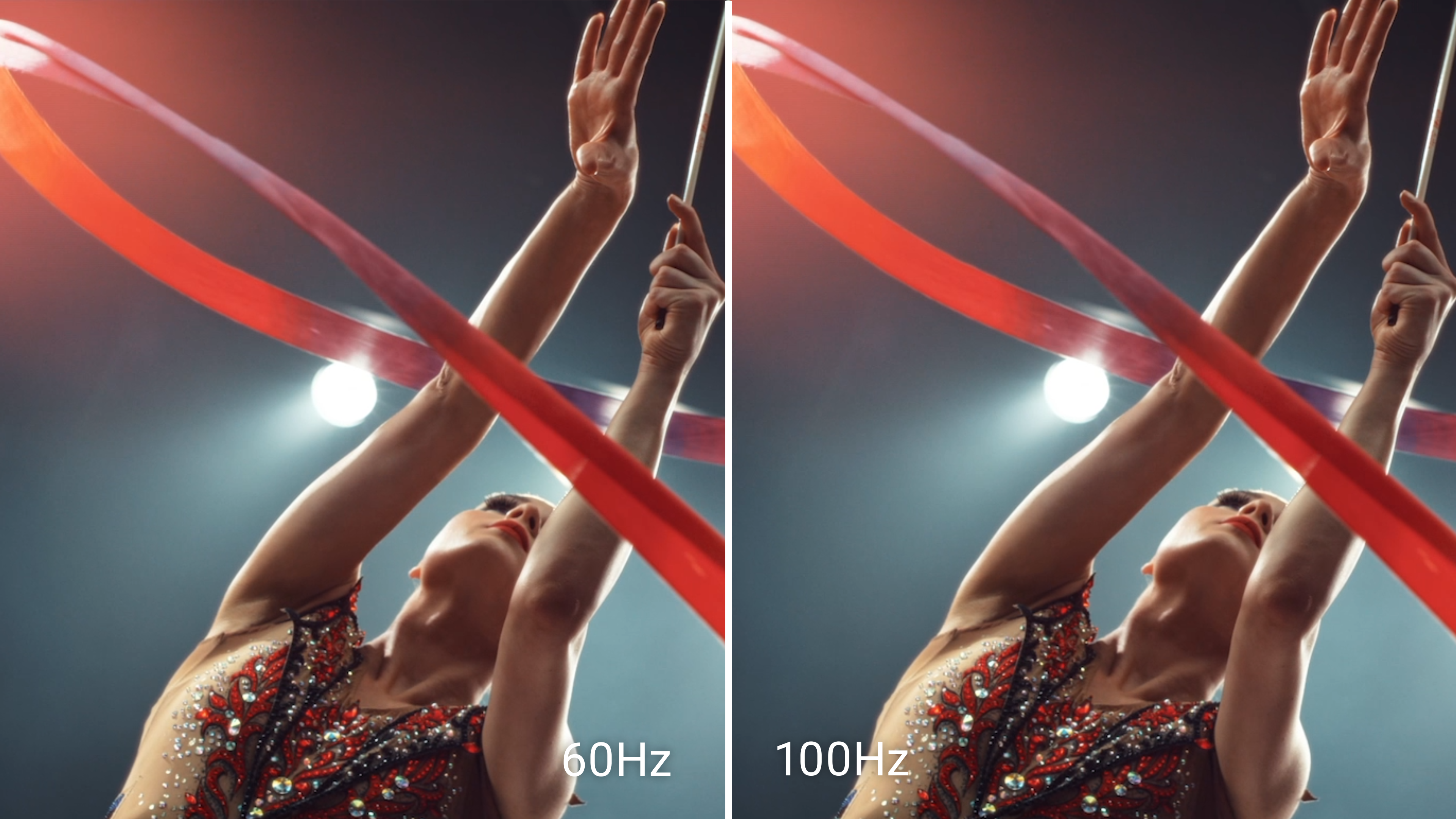
Refresh Rate

Vivid Colors
Work in clear details
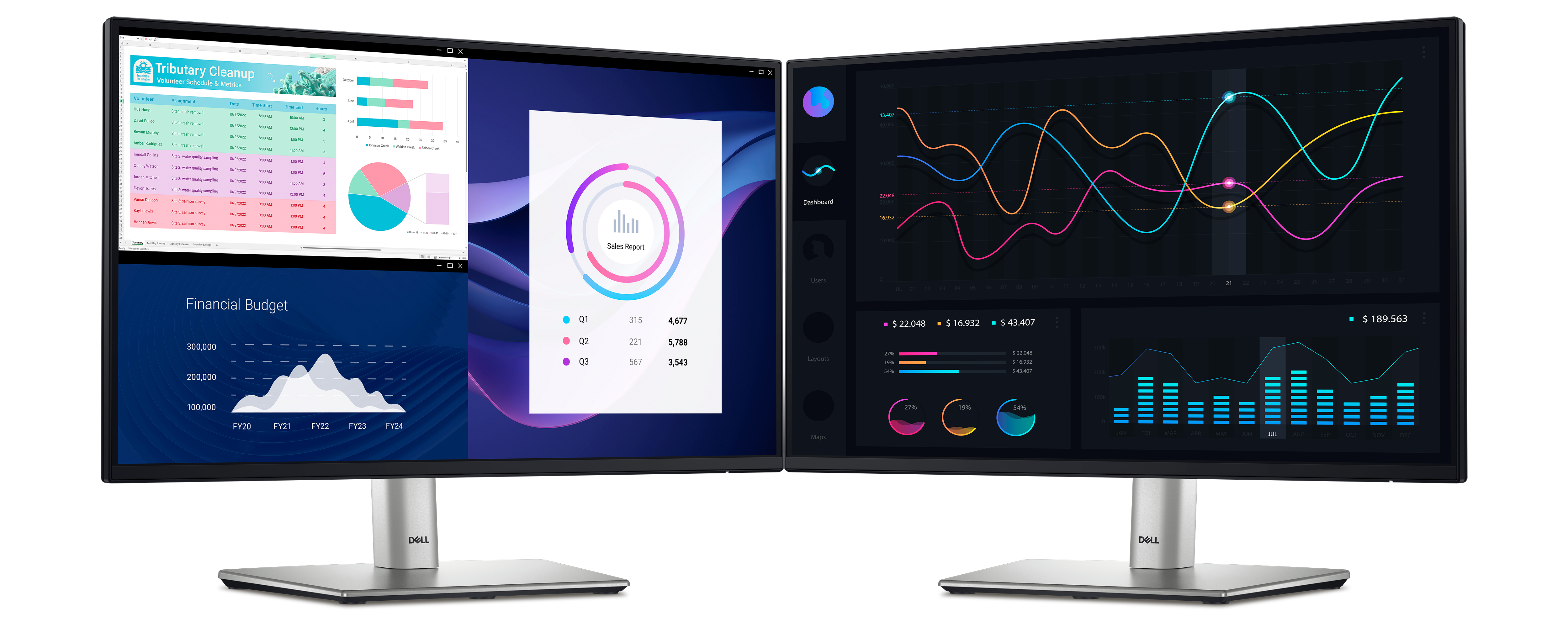
See more on this ultra-thin bezel monitor.
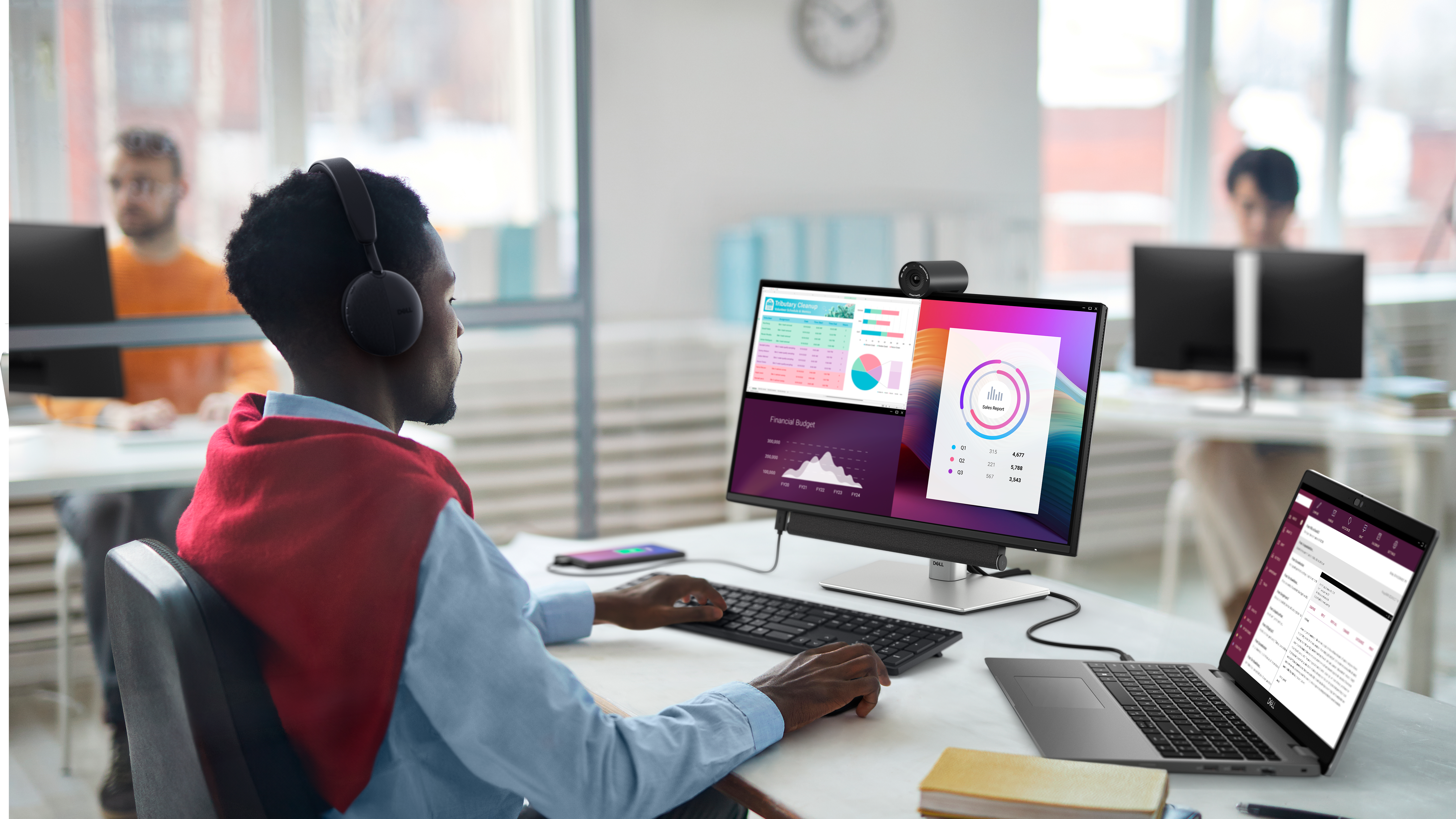
Connect to productivity
Designed for comfort
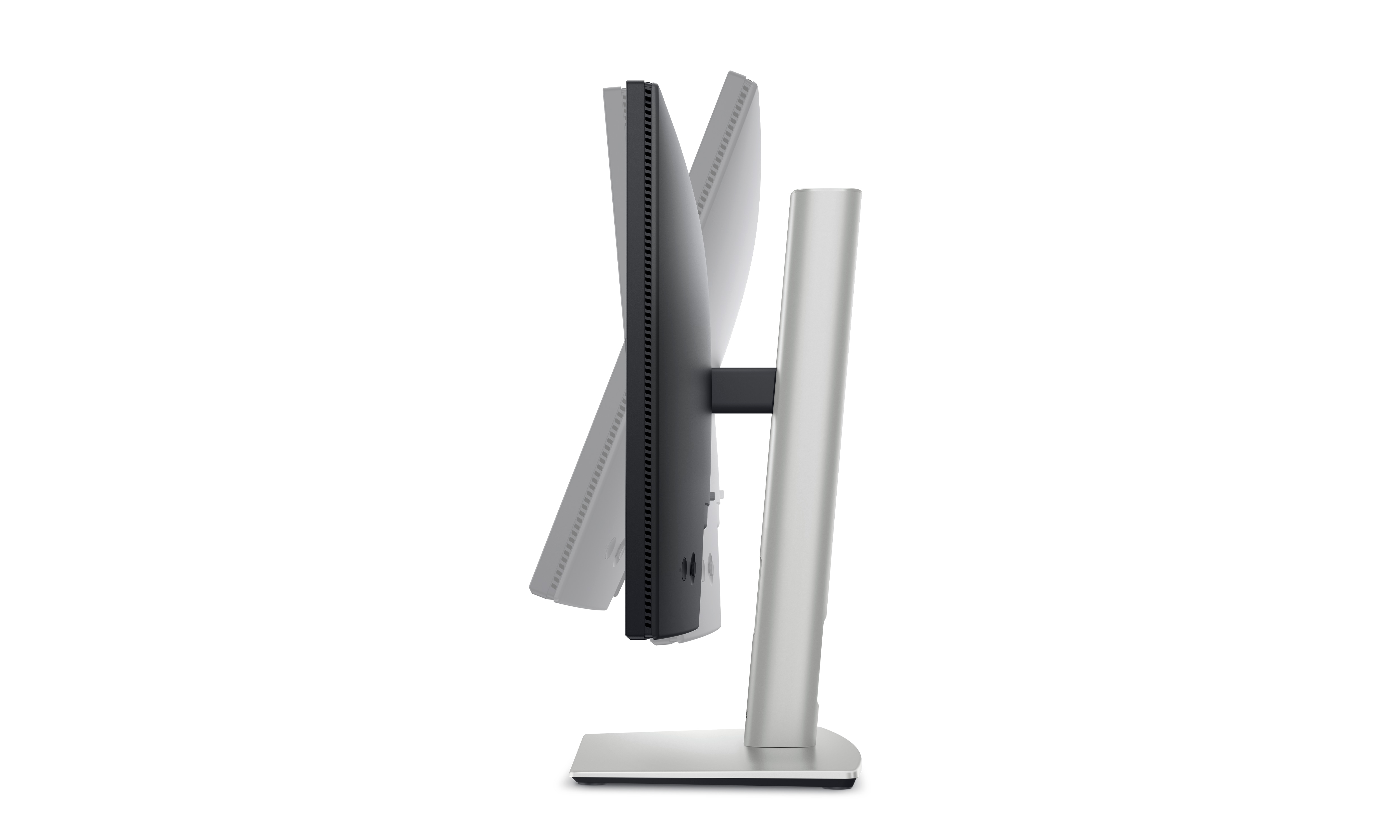
Tilt
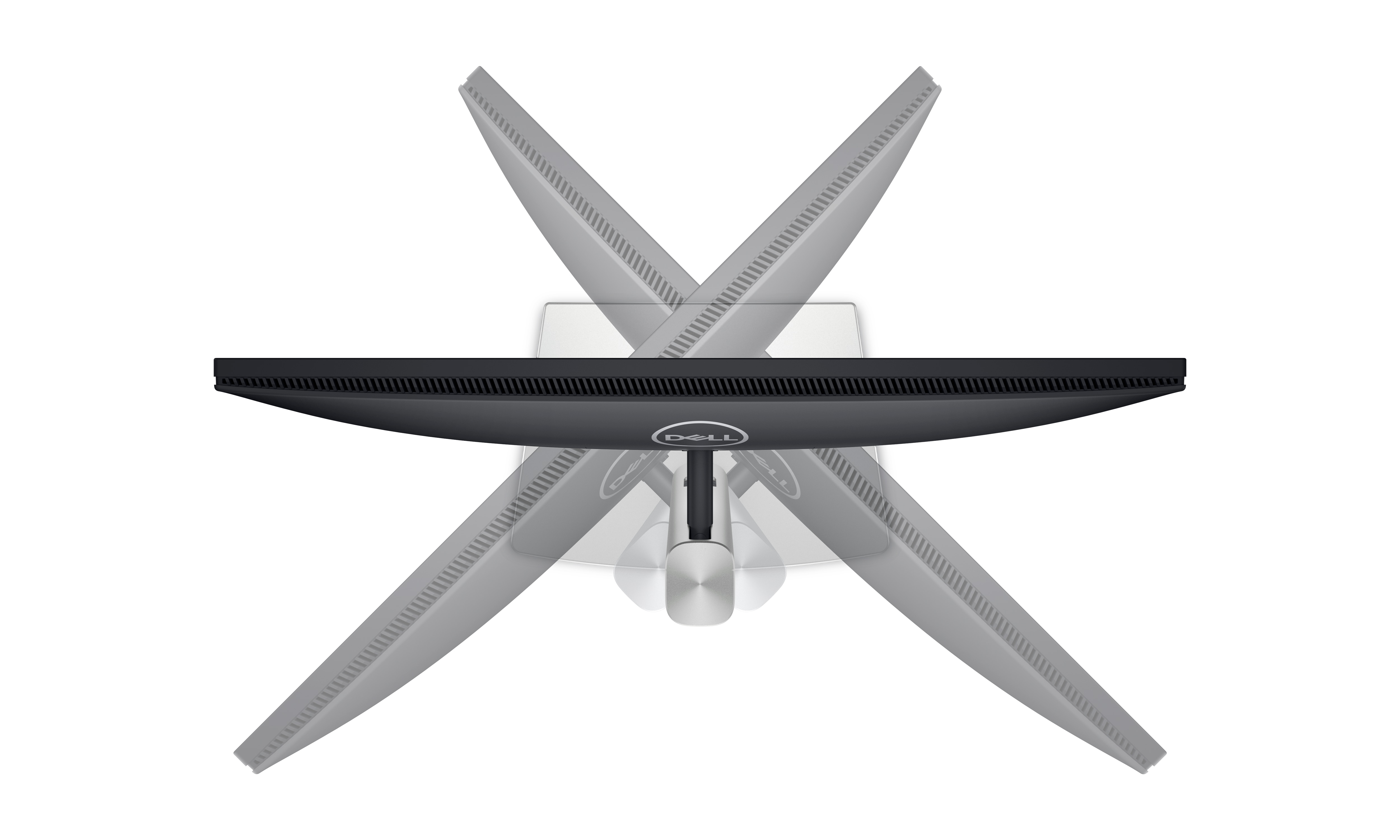
Swivel
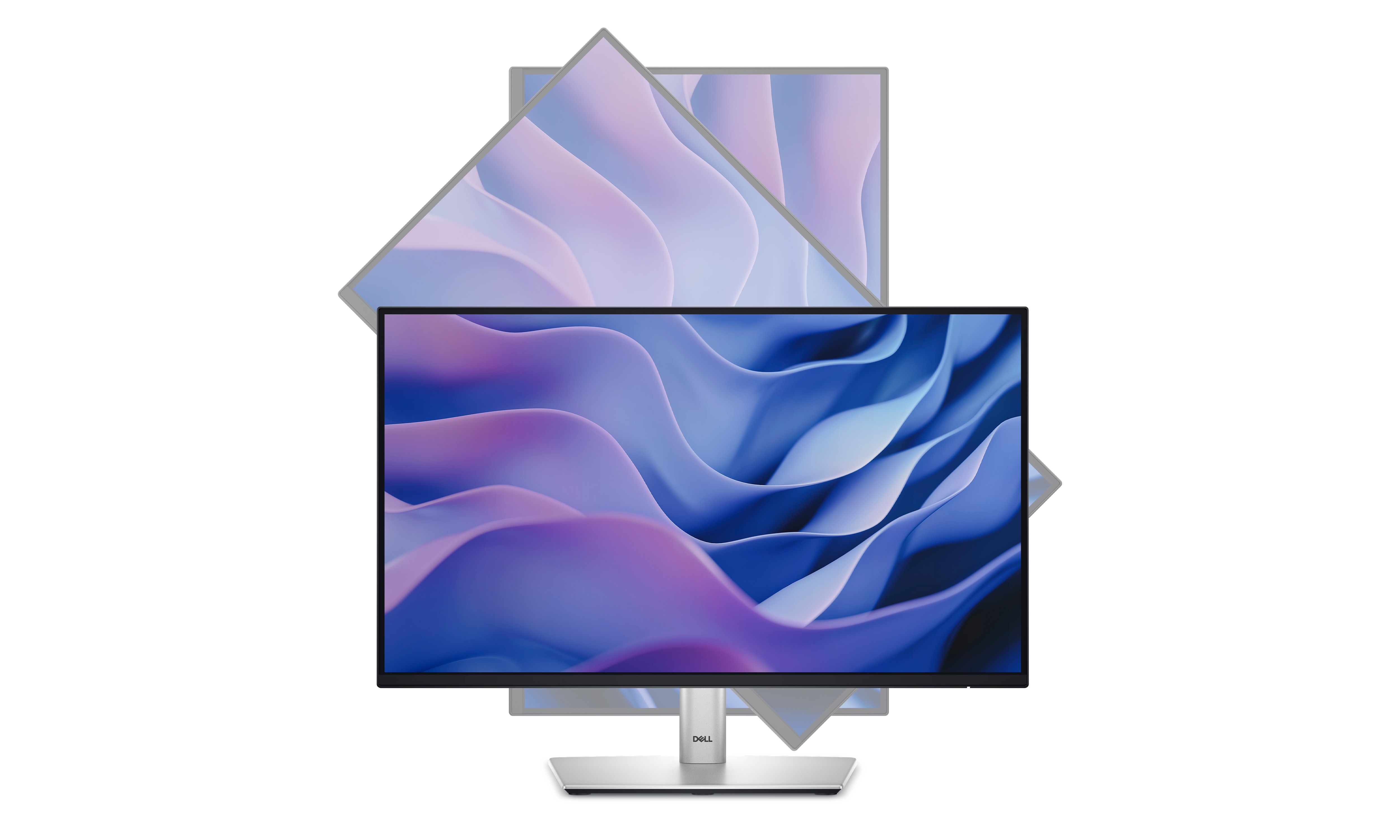
Pivot
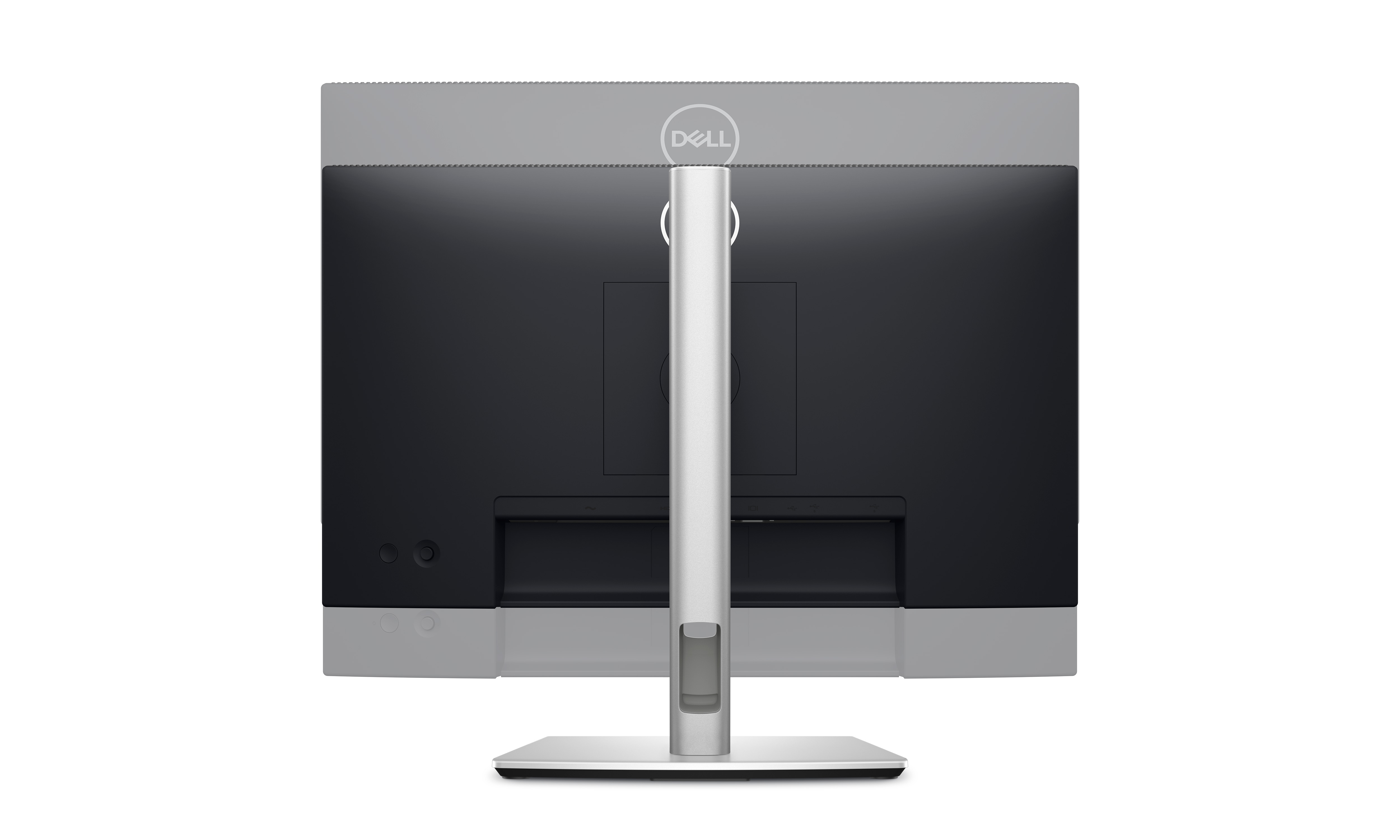
Height
Dell Display and Peripheral Manager
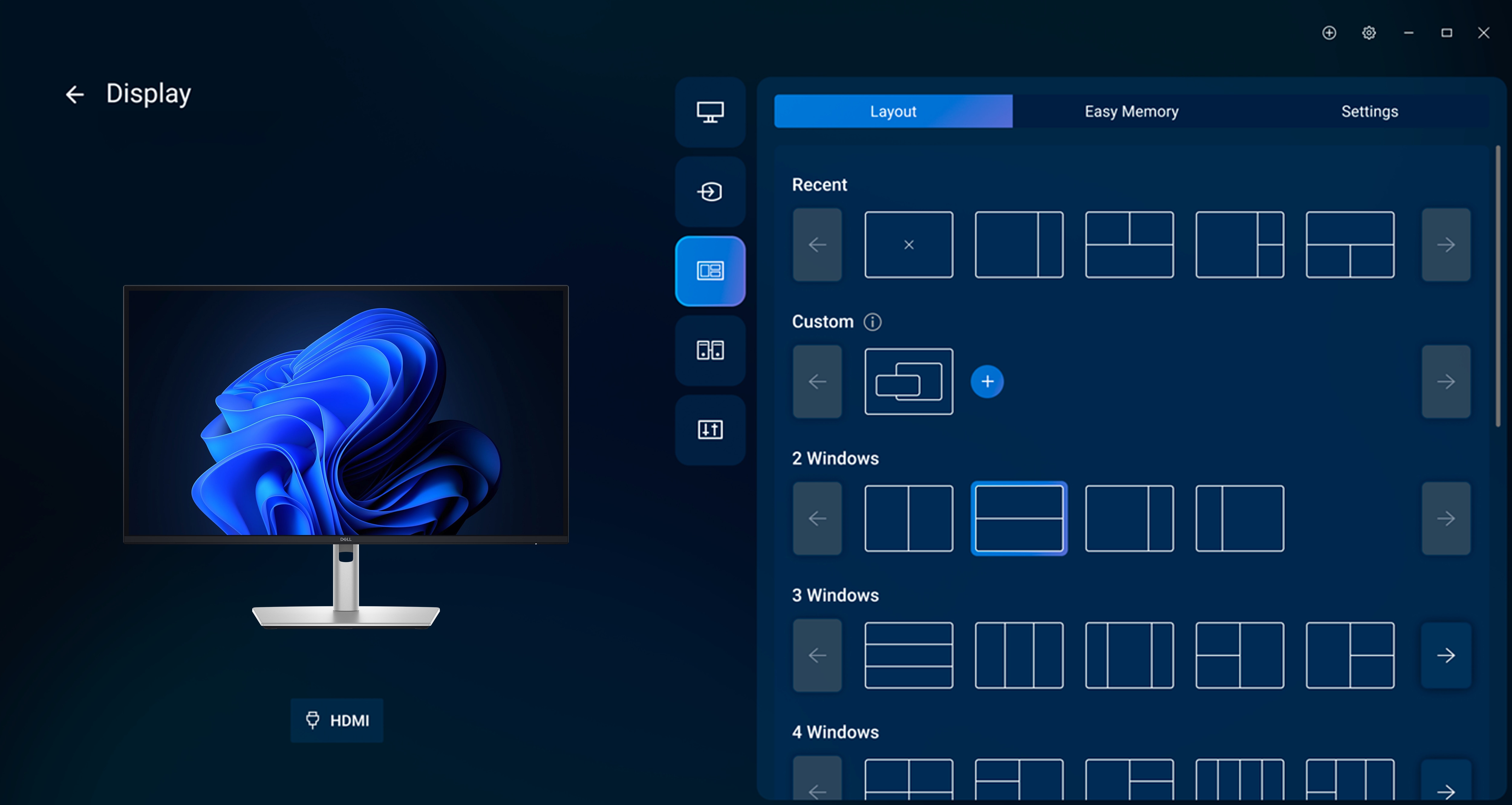
Easy Arrange tiles apps across screens with pre-set partitions and customizes up to five windows, enhancing multitasking. Easy Arrange Memory saves and restores app profiles manually, on schedule, or at start-up.
Customize your views
Work comfortably, day or night. Automate your brightness and contrast settings to match your schedule.
More manageable
Save time and boost IT efficiency with the Dell Device Management Console to manage your Dell peripheral fleet at scale, from a single cloud-based console. Discover expanded Command Line Interface features from Dell Display and Peripheral Manager[3].
Learn more about Dell Display and Peripheral Manager
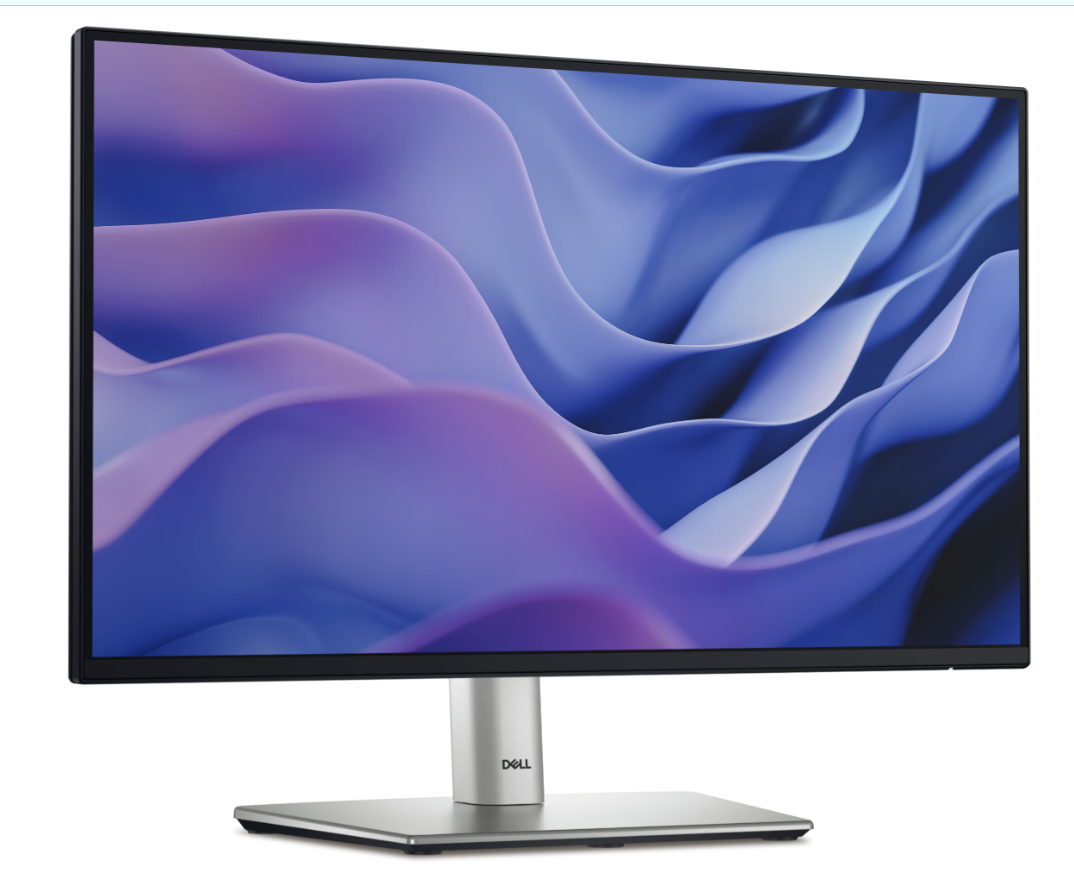
Disclaimer: Screen image simulated for illustrative purposes only. Monitor model may vary.
Environmentally forward thinking
This monitor has been thoughtfully crafted with sustainable materials including 85% recycled plastics[4] with post-consumer recycled plastic and closed-loop ITE-derived plastic, 50% recycled steel[5], 100% recycled aluminum[6] and at least 20% recycled glass[7]
Low-impact packaging
This monitor ships with reduced plastic[8] and is in a box made with 100% renewable materials that is recyclable[9] Dell is shifting to a cushioning solution derived entirely from fiber that is kinder to the environment[10].
Energy conservation
Using PowerNap mode in Dell Display Manager lowers energy use by up to 14.8%[11]
Excellence in environmental standards
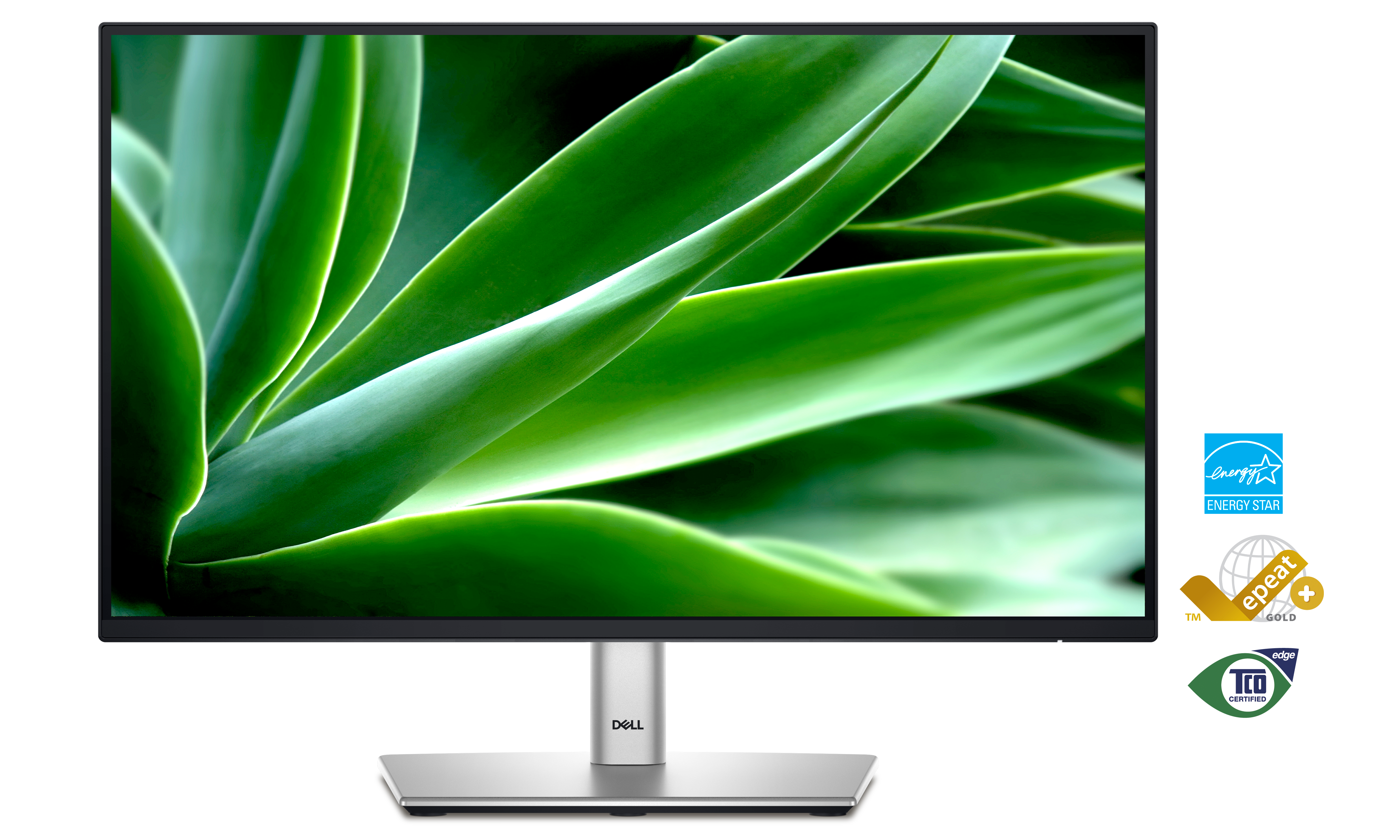
This monitor is certified ENERGY STAR® 8.0, carries the TCO Certified Edge designation, and is registered EPEAT Gold with Climate+. With Climate+, this monitor has met industry best practices around decarbonization[12]
Connectivity options
Dimensions and weight
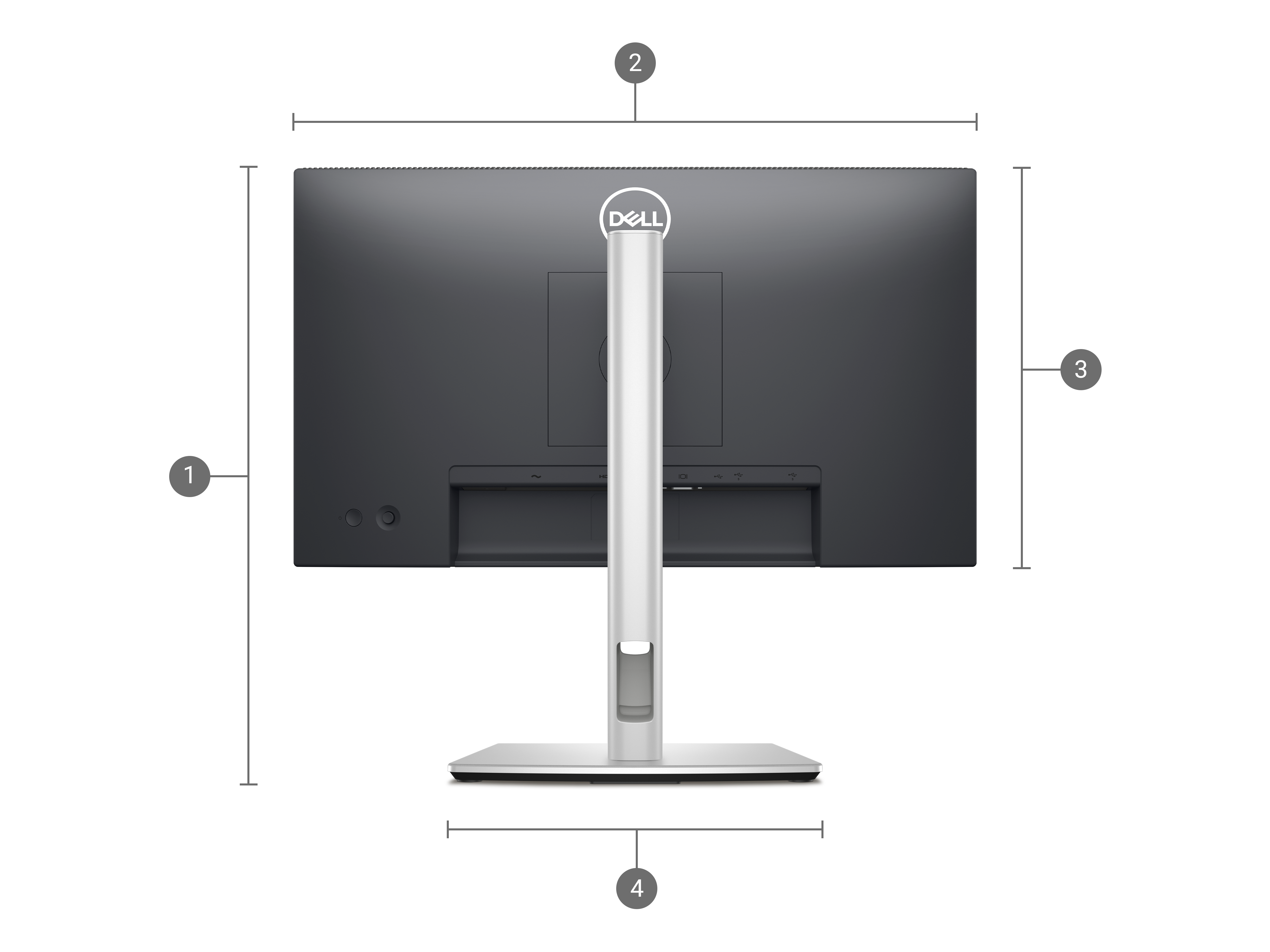
Extended : 18.99 in. (482.39 mm)
Compressed : 14.33 in. (364.00 mm)
2. Monitor width : 19.22 in. (488.06 mm)
3. Monitor height : 11.25 in. (285.79 mm)
4. Stand width : 9.83 in. (249.80 mm)
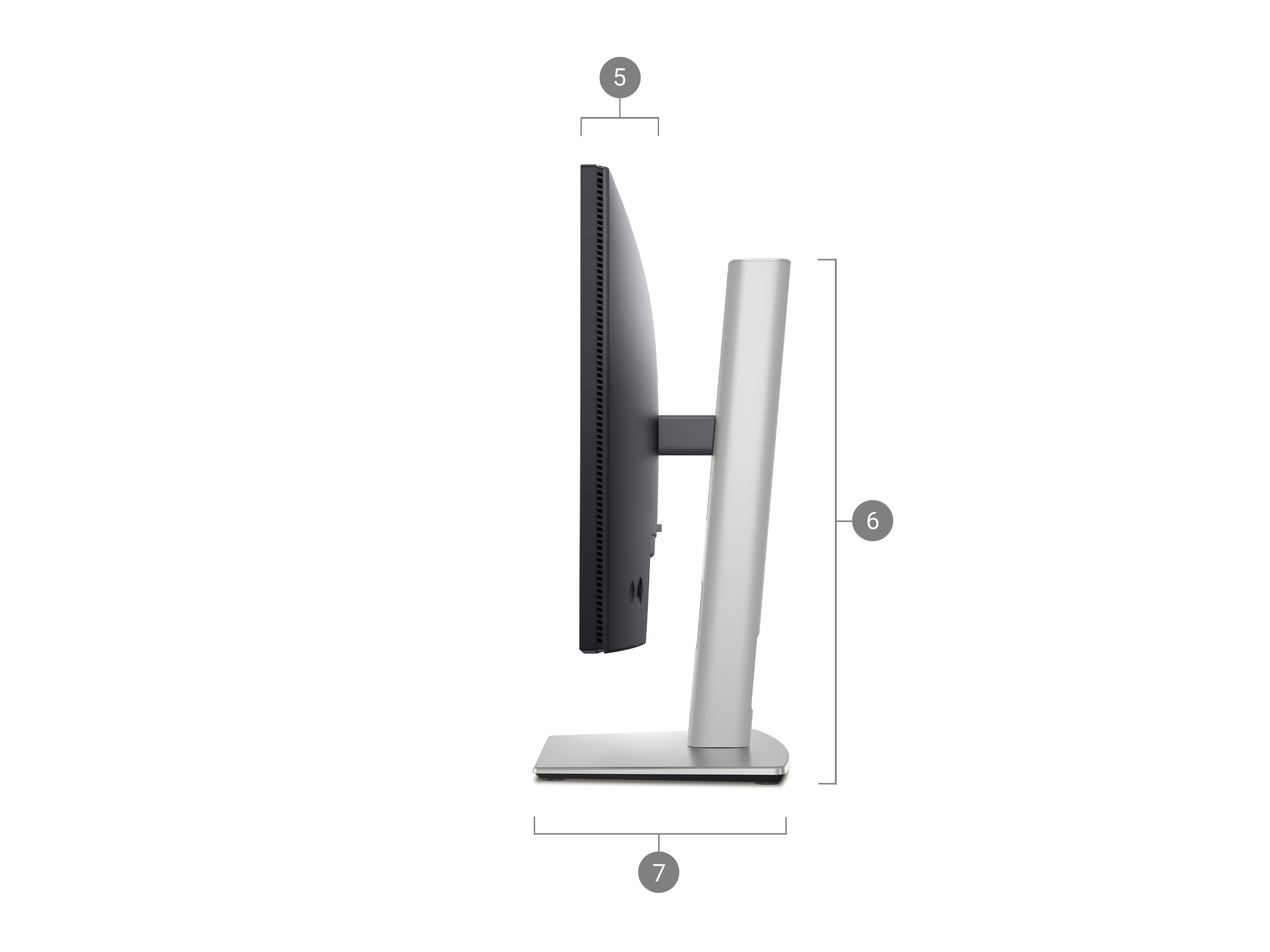
6. Stand height :
Extended : 16.17 in. (410.80 mm)
Compressed : 14.33 in. (364.00 mm)
7. Stand depth : 7.16 in. (181.75 mm)
Weights:
With stand and cables : 9.63 lb (4.37 kg)
Without stand and cables : 5.69 lb (2.58 kg)
How easy is it to learn about this product?Rating is from 1-7, 1 being Very Difficult and 7 being Very Easy
Reviews
Verified
Dell Promotion
Love this!! Can turn the monitor in several positions and easy to use!
Verified
Dell Promotion
Just the right size for my desk.
Verified
Dell Promotion
perfect for my home office and great price. monitor only has hdmi port which is all i want. do not want the older vga/vgi added ports
Verified
Dell Promotion
Supports DP, HDMI, and VGA
Response from Dell
Dear Valued Customer, Thank you for your review of the Dell Pro 22 Plus Monitor. We’re delighted that its support for DP, HDMI, and VGA meets your connectivity needs. This monitor is designed for clarity and flexibility to enhance your workspace. If you ever need assistance or want to explore more display features, our Dell US Technical support team is always here to help: https://url.dell.com/9b5810. We appreciate your trust in Dell and look forward to continuing to support your success. -Surabhi
Verified
Dell Promotion
These monitors fit any type of office environment. We have over 400 in my company. Flexible, light weight and great resolution.
Response from Dell
Dear Valued Customer, Thank you for your review on the Dell Pro 22 Plus Monitor. We’re thrilled to hear these monitors fit perfectly in your office environment and deliver great resolution. Their lightweight design and flexibility make them ideal for large-scale deployments like yours. If you ever need assistance or want to explore more display features, our Dell US Technical support team is always here to help: https://url.dell.com/9b5810. Thank you for trusting Dell to support your business success. -Surabhi
Verified
Super sharp for reading.
Response from Dell
Dear Valued Customer, Thank you for your review of the Dell Pro 22 Plus Monitor P2225H. We’re delighted to hear it fits perfectly in your space and delivers sharp clarity for reading. At Dell, we design monitors that combine compact form factors with outstanding visual quality to meet diverse needs. For future reference, if you ever need assistance, our Dell Canada Technical Support team is always here to help: https://url.dell.com/56f358. We appreciate your input and look forward to supporting your productivity. -Saurav
Verified
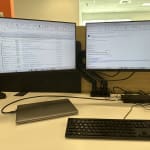
These smaller monitors are fantastic. I bought 2 for my office setup. They are attached side-by-side to the new Dell Smart Dock SD25. Running Windows on an Dell XPS laptop I can have 3 screens if I wanted. But I close the lid and just use the 2 externals. I highly recommend these.
Response from Dell
Dear Valued Customer, Thank you for your review of the Dell Pro 22 Plus Monitor. We’re glad it enhances your office setup with crisp visuals and flexibility for multi-screen use. This monitor is built for clarity and productivity. If you ever need assistance or want to explore more display features, our Dell US Technical support team is always here to help: https://url.dell.com/9b5810. We appreciate your recommendation and continued trust in Dell. -Surabhi
Verified
Dell Promotion
New monitor. Easy to hook up. Great picture.
Response from Dell
Dear Valued Customer, Thank you for your review of the Dell Pro 22 Plus Monitor! We’re glad its easy setup and sharp picture make it perfect for your workspace. This monitor is designed for clarity and reliability. If you ever need assistance or want to explore more display features, our Dell US Technical support team is always here to help: https://url.dell.com/9b5810. We appreciate your trust in Dell and look forward to continuing to support your success. -Surabhi
Verified
Dell Promotion
It's fast
Response from Dell
Dear Valued Customer, Thank you for your review on Dell Pro 22 Plus Monitor - P2225H. We’re glad to hear it’s fast and perfect for your business needs. This monitor offers reliable performance and crisp visuals for everyday productivity. If you ever need assistance or want to explore more display features, our Dell US Technical support team is always here to help: https://url.dell.com/9b5810. We appreciate your trust in Dell and look forward to continuing to support your success. Thank you for choosing Dell for your workspace. -Surabhi
Verified
Dell Promotion
Just what i needed not to big and eazy to handle good picture
Response from Dell
Dear Valued Customer, Thank you for your review of the Dell Pro 22 Plus Monitor! We’re glad it’s just the right size and delivers a clear picture for your needs. This monitor is designed for comfort and clarity in any workspace. If you ever need assistance or want to explore more display features, our Dell US Technical support team is always here to help: https://url.dell.com/9b5810. Thank you for being a part of the Dell community. -Surabhi

Drivers, Manuals & Support
Dell SupportFrom drivers and manuals to diagnostic tools and replacement parts, Dell Product Support has you covered!
Top rated by our customers
Show