
Price Disclaimer and Key Notes
Please note that prices and availability of our products are subject to change without prior notice. Despite our best efforts to maintain accuracy, occasional errors may occur. In such cases, where a pricing discrepancy is identified, we will promptly notify you via chat, email, or phone. You will then have the option to accept the amended price or cancel your order.
We highly recommend verifying stock availability and prices before proceeding with your payment. For credit card payments, please allow approximately six to eight business days for processing and clearance. Your understanding and cooperation in these matters are greatly appreciated. Shipment will occur within two to five business days following the clearance of payment. Please be aware that our primary focus is on Dell, HP & Lenovo business computers and servers. Accessories are typically available for purchase as part of a bundle or may be offered in larger quantities.
We're sorry to convey that we do not participate in government bids and won't be providing quotation requests.



Beschreibung
- 5ms GTG (Fast)
- 8ms GTG
- BFR Free
- PVC Free
- Cable Lock Slot
- Arsenic-free Glass
- Mercury-free
- Security Lock
- Anti-glare
- Eye Comfort Technology
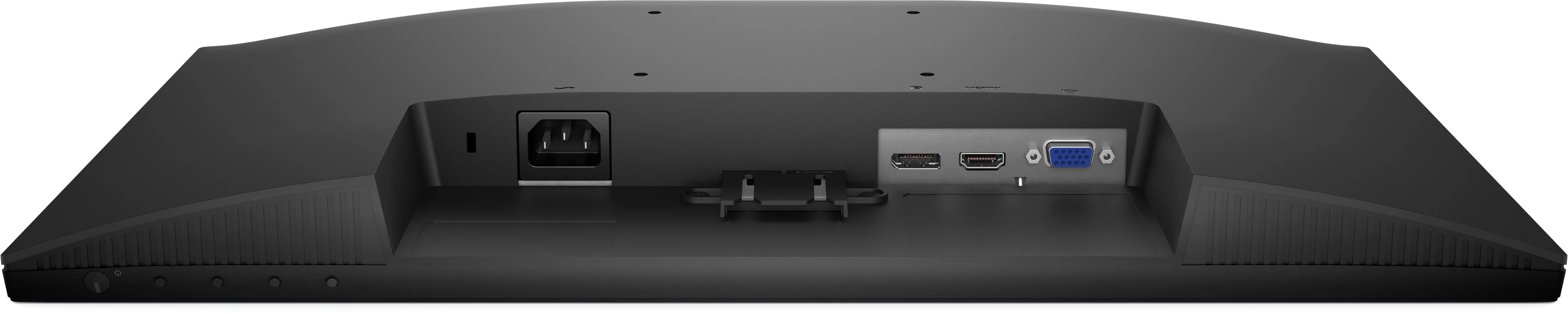
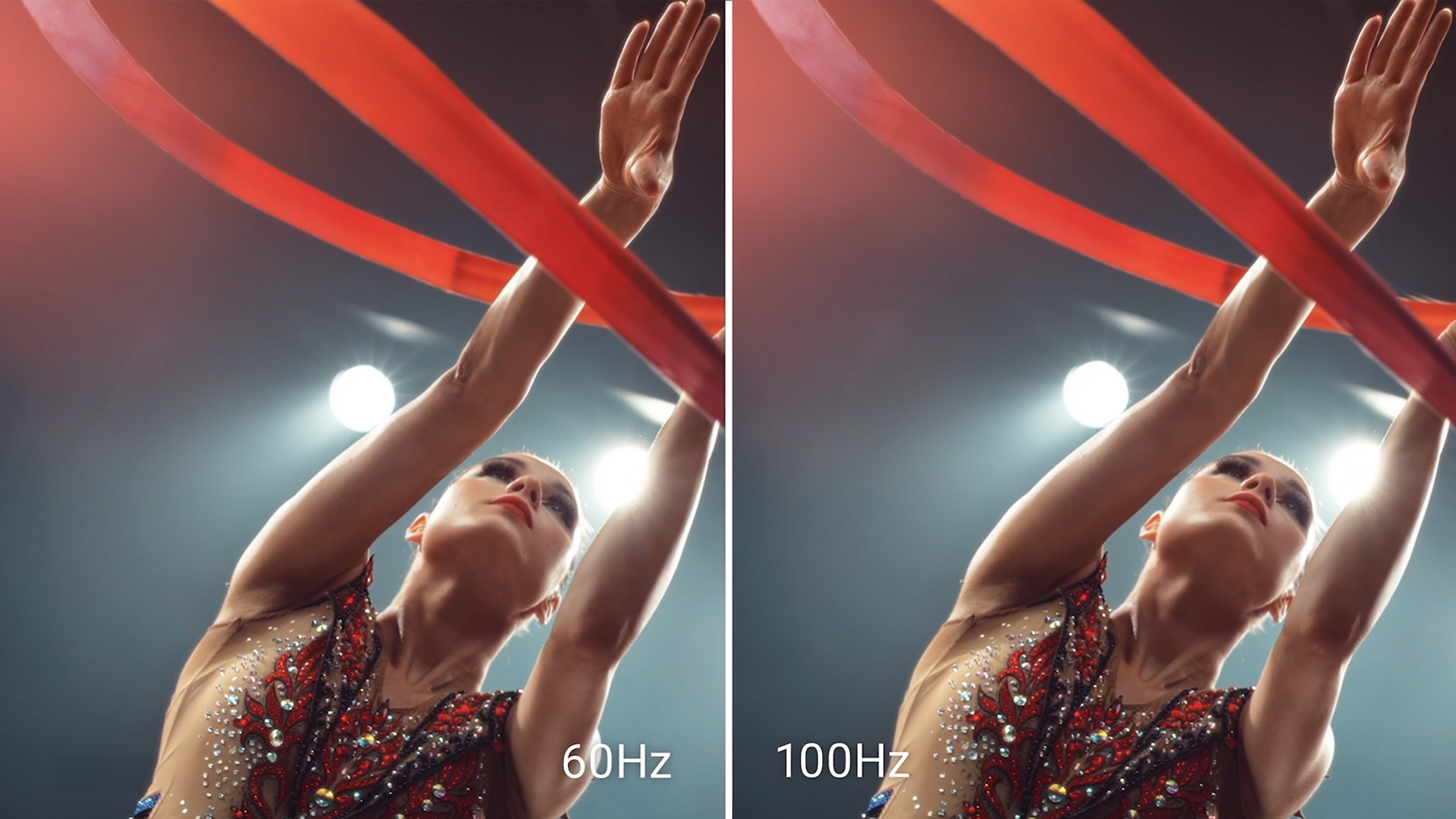
- 1 HDMI port (HDCP 1.4) (Supports up to FHD 1920 x 1080 100 Hz as per specified in HDMI 1.4)
- 1 DisplayPort 1.2 (HDCP 1.4) port (Supports up to FHD 1920 x 1080 100 Hz )
- 1 VGA port
- 60 Hz
- 50 Hz
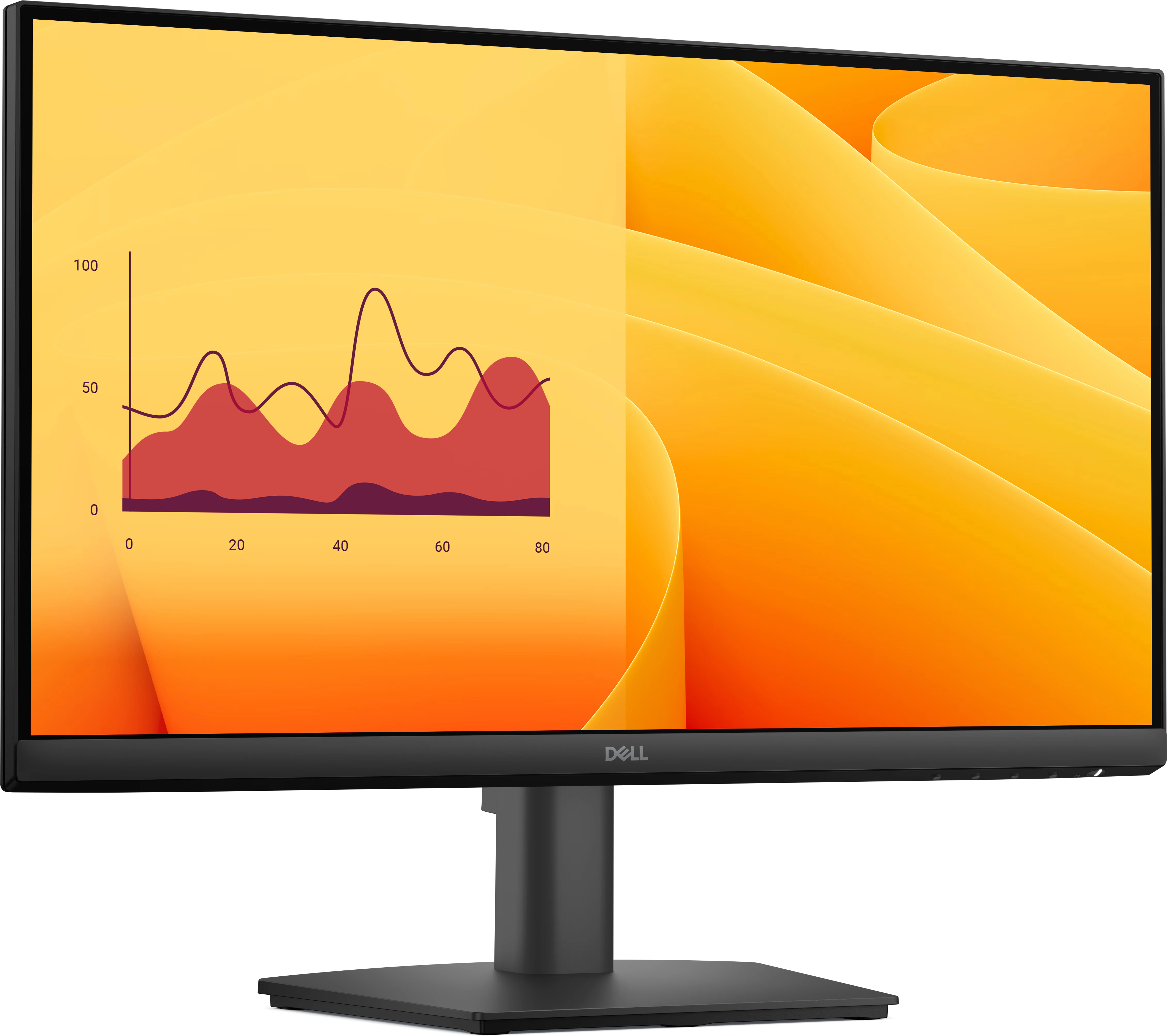
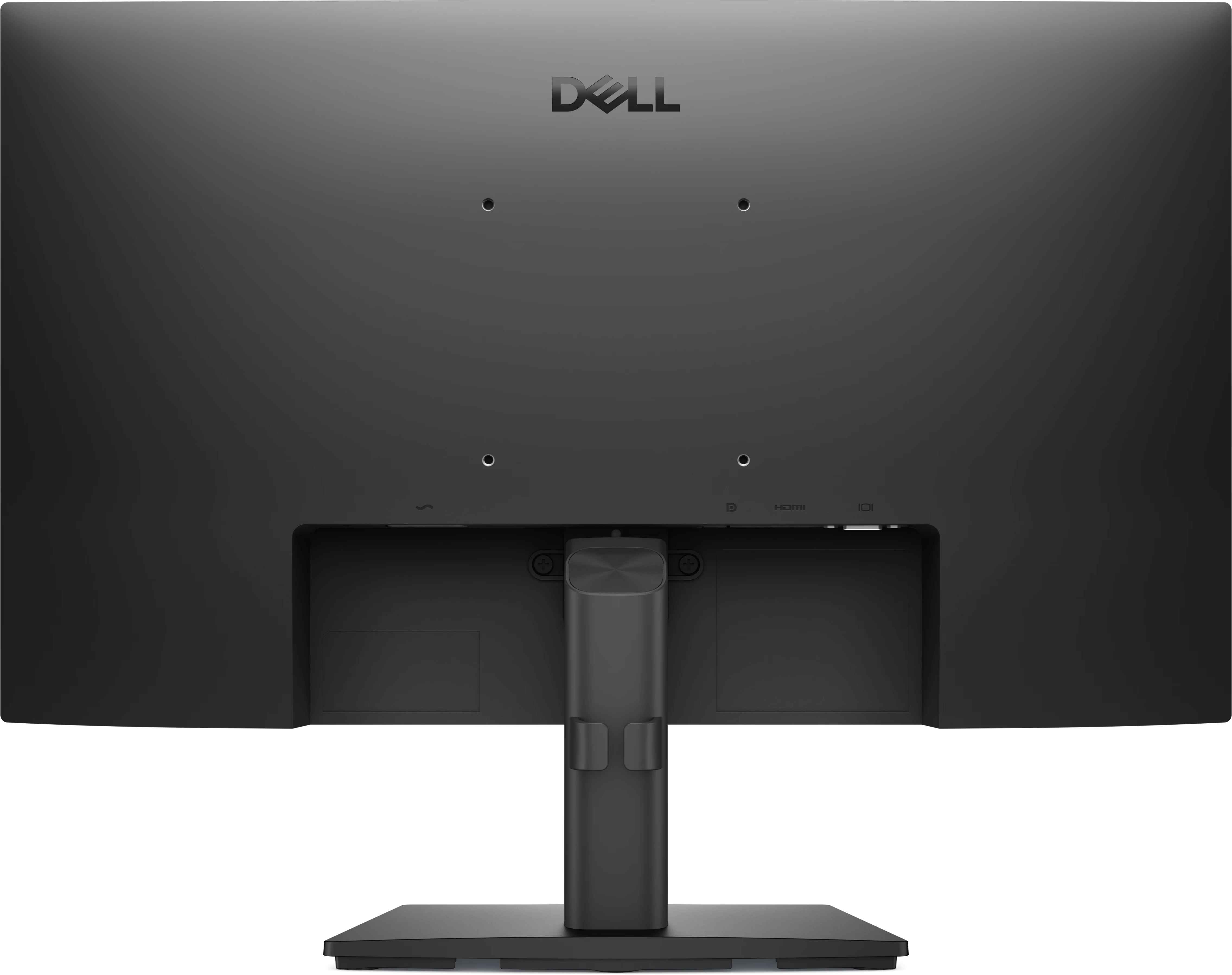
- Pro 22 Monitor
- Stand
- Quick Start guide
- Safety Information
- Power cable
- 1 x DisplayPort-DisplayPort cable - 1.80 m
- TCO Certified Edge
- Electronic Product Environmental Assessment Tool Gold (EPEAT Gold)
- Electronic Product Environmental Assessment Tool Climate+ (EPEAT Climate+)
High refresh rate

ComfortView Plus
See the difference when ComfortView Plus helps dial back the yellow hues to ensure better color fidelity, compared to the results of software-enabled low blue light technology[2].
Dependable from every angle
Wide viewing angle
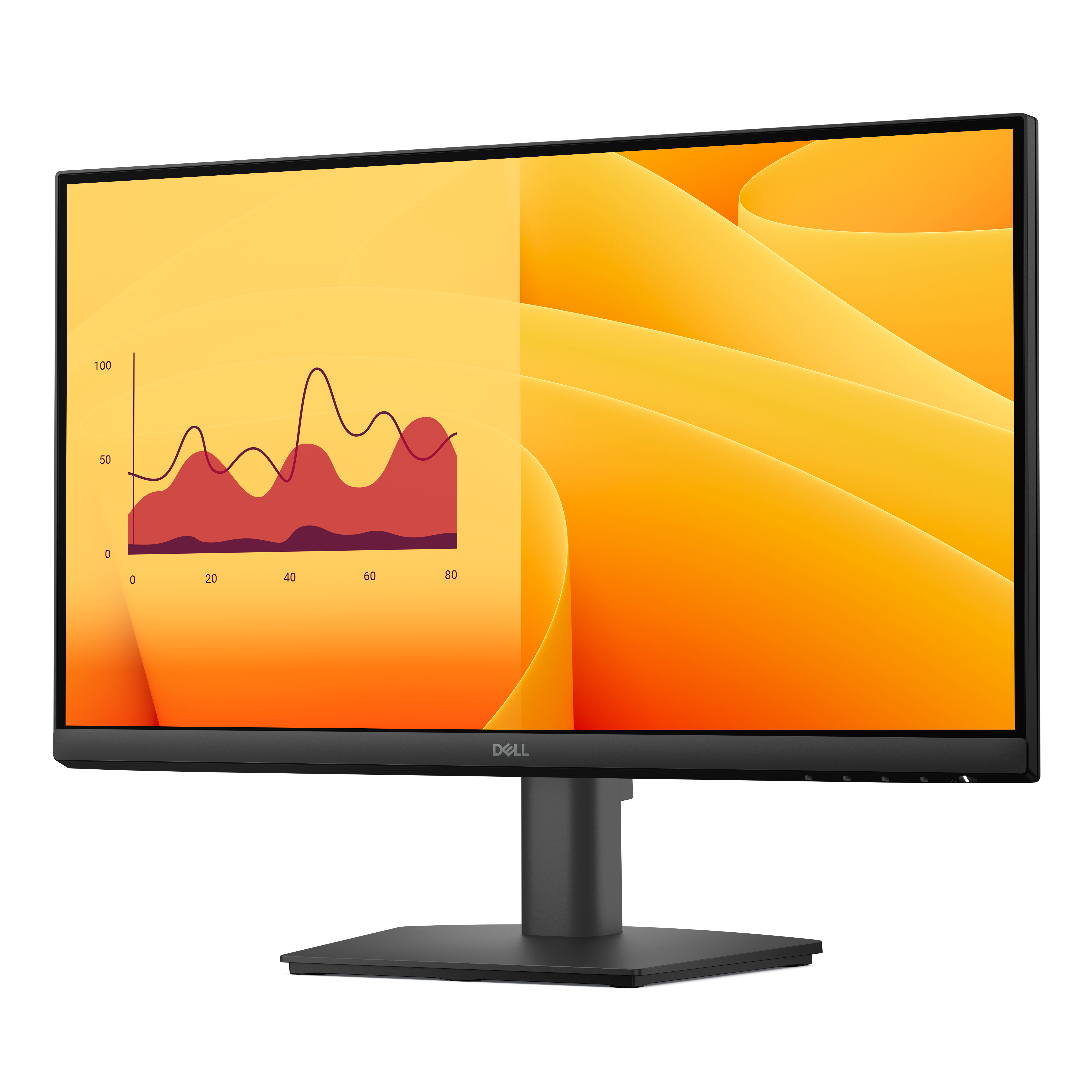
Get consistent views across a wide 178°/178° viewing angle.
3000:1 contrast ratio
Experience deeper blacks, brighter whites and vivid color.
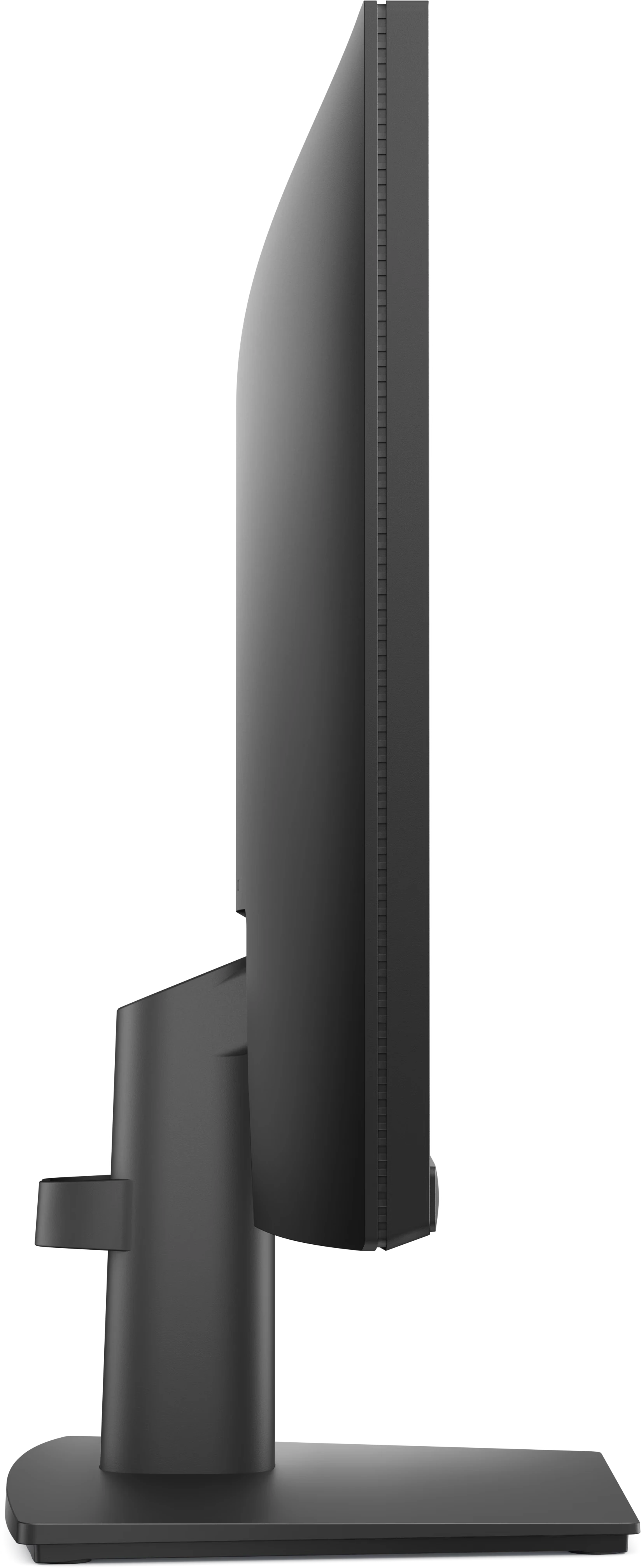
Ultra-thin bezel design
See more with less distractions.

Functional, space-saving design
Dell Display and Peripheral Manager
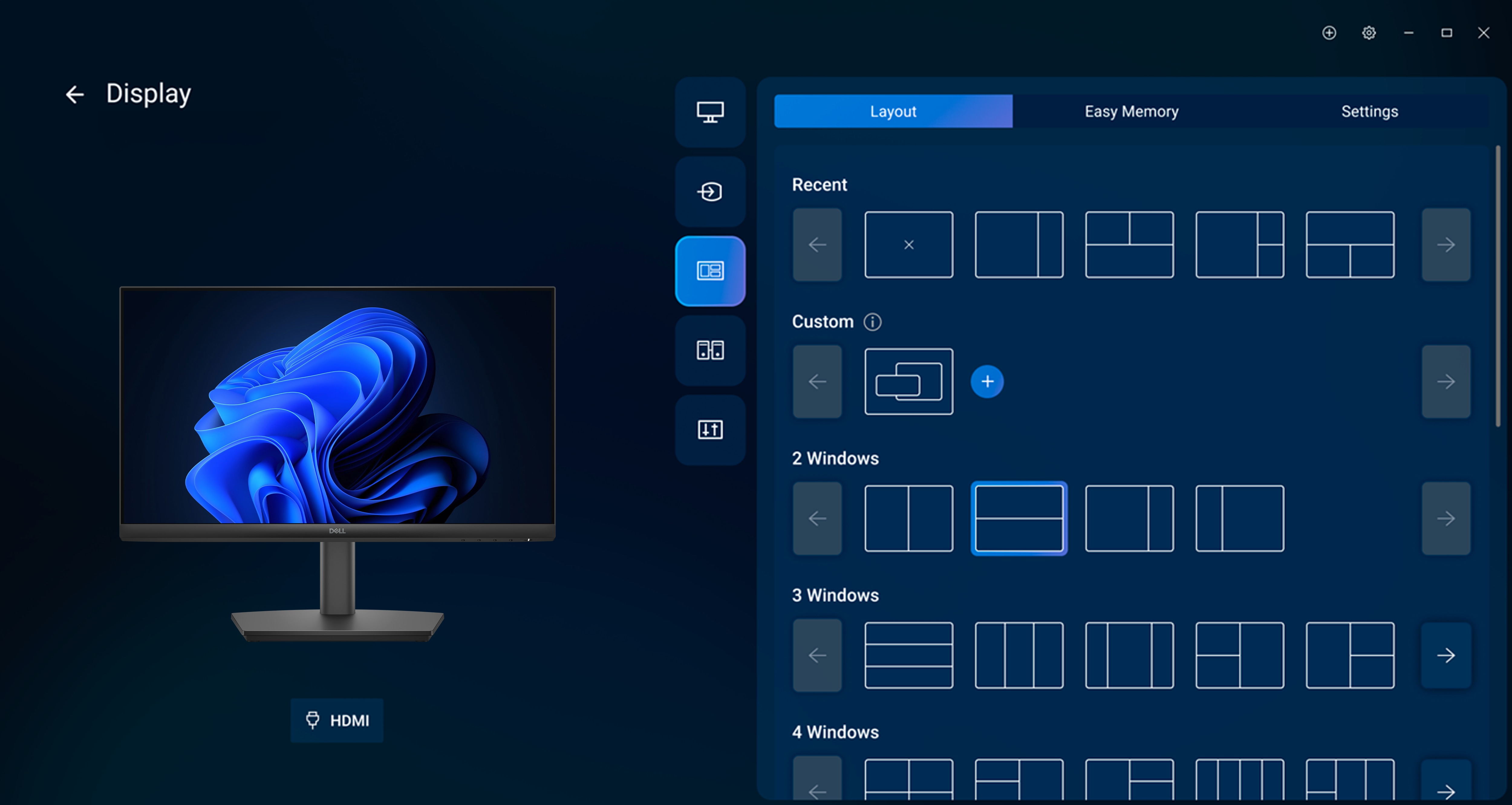
Easy Arrange tiles apps across screens with pre-set partitions and customizes up to five windows, enhancing multitasking. Easy Arrange Memory saves and restores app profiles manually, on schedule, or at start-up.
Customize your views
Work comfortably, day or night. Automate your brightness and contrast settings to match your schedule.
More manageable
Save time and boost IT efficiency with the Dell Device Management Console to manage your Dell peripheral fleet at scale, from a single cloud-based console. Discover expanded Command Line Interface features from Dell Display and Peripheral Manager[4].
Learn more about Dell Display and Peripheral Manager
Disclaimer: Screen image simulated for illustrative purposes only. Monitor model may vary.




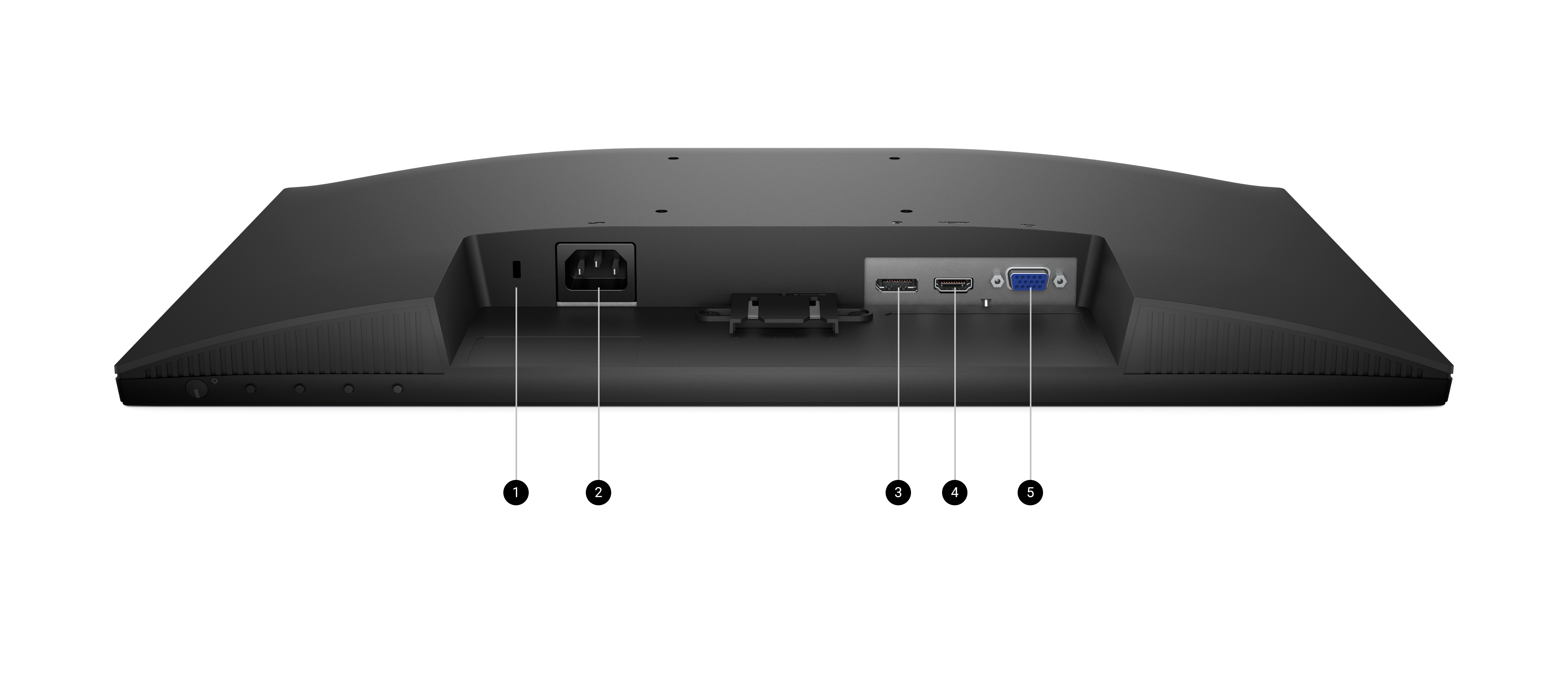
Ports and slots
Dimensions and weight

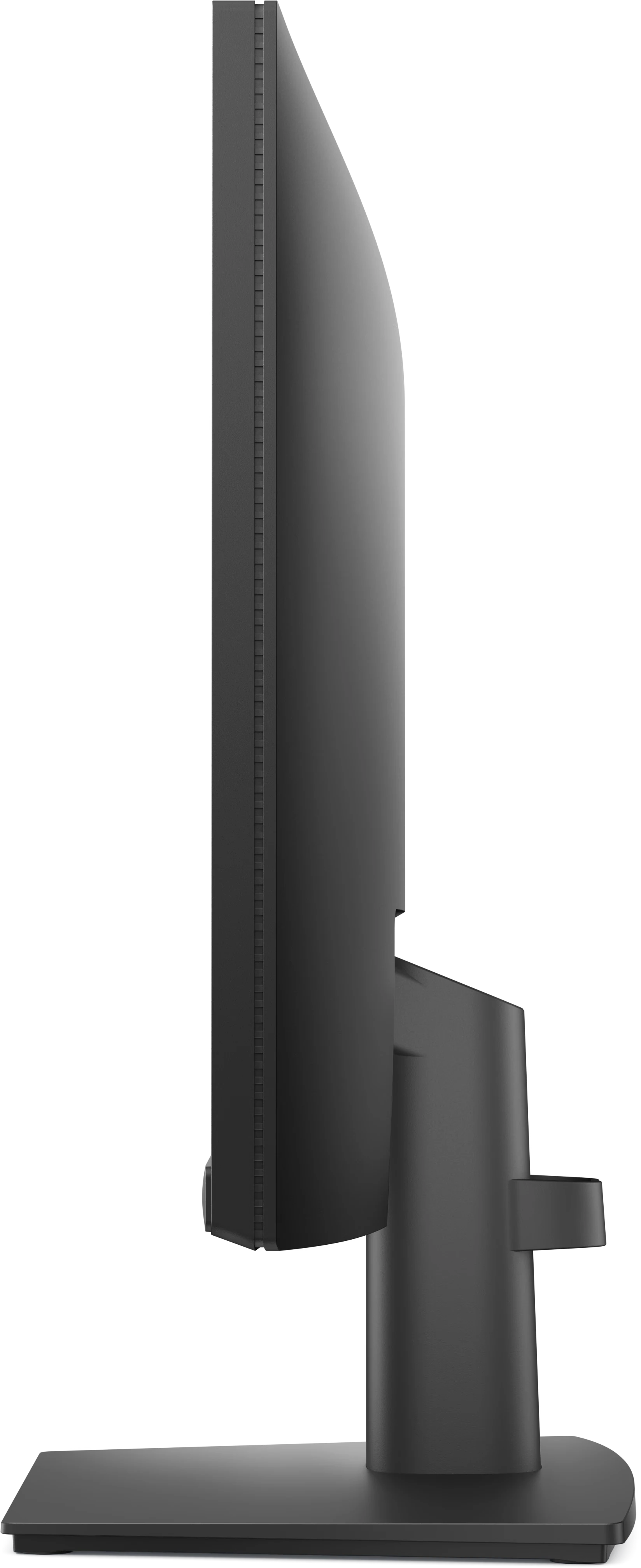
- Monitor height with stand: 14.84 in. (376.88 mm)
- Monitor width: 19.36 in. (491.86 mm)
- Monitor height: 11.36 in. (288.60 mm)
- Stand width: 8.74 in. (222.03 mm)

How easy is it to learn about this product?Rating is from 1-7, 1 being Very Difficult and 7 being Very Easy
Reviews
Verified
An excellent monitor, nice imaging and bought at a good price.
Verified
i like it so far..just the right size screen for my little desk..price was decent..just got this a few weeks ago so far all is good with it..serves it purpose for home use..had to get a new one other was outdated.
Response from Dell
Dear Valued Customer, Thank you for your positive review of the Dell Pro 22 Monitor - E2225HM. We're glad to hear it's the right fit for your desk and serving its purpose well for home use. The E2225HM offers a compact and efficient display solution, ideal for everyday tasks in smaller spaces. If you ever need assistance or want to explore more display features, our Dell US Technical support team is always here to help: https://url.dell.com/9b5810. Thank you for choosing Dell to refresh your workspace with a reliable monitor. -Surabhi
Verified
Used at home. I love having 2 monitors. Makes my life easier and this is a very nice one.
Response from Dell
Dear Valued Customer, Thank you for your great review of the Dell Pro 22 Monitor – E2225HM. We're happy to hear that this model has been a valuable addition to your home environment. Your experience highlights how thoughtful design and functionality can enhance productivity and comfort. For future reference, if you ever need assistance or want to explore more features, our US Technical Support team is always here to help: https://url.dell.com/9b5810. Thank you for being a part of the Dell community. -Eduarda
Verified
I sent the Monitor back to Dell. The sale representative said the screen was larger that the one I am using and it wasn't. Secondly, it is so cheaply made and didn't have a height adjuster. I expect quality from Dell !!
Response from Dell
Dear Valued Customer, Thank you for sharing your feedback on the Dell Pro 22 Monitor (E2225HM). We genuinely appreciate you taking the time to share your experience, as it helps us better understand our customers’ needs and improve where it matters most. We understand that choosing the right monitor is a personal decision, and it's important that it meets both your workspace requirements and expectations. While this particular model may not have been the perfect fit for your setup, your comments on screen size and adjustability are extremely valuable. We've shared your insights with our product team for consideration in future designs. Since you're specifically looking for a height-adjustable option, we recommend the Dell E2225HSM, which includes that functionality, which you can check out here: https://url.dell.com/fbca40. You may also want to explore our Dell P-series monitors, which offer enhanced ergonomics and excellent display quality. Here are a few models you might find suitable: Dell P2225H Link: https://url.dell.com/df3e84 Dell P2425H Link: https://url.dell.com/ea8149 Dell P2725H Link: https://url.dell.com/ee4ab1 These monitors are built to support a more ergonomic and productive workspace, with features like height adjustment, tilt, swivel, and pivot capabilities. Our goal is to make your experience with Dell as smooth and supportive as possible. If you need any assistance choosing a monitor that better meets your needs, our Dell US Support team is here to help. You can reach them directly via the following link: https://url.dell.com/9b5810. Thanks again for being part of the Dell community. We’re always listening and always here to help. Prajwal@Dell

Drivers, Manuals & Support
Dell SupportFrom drivers and manuals to diagnostic tools and replacement parts, Dell Product Support has you covered!