
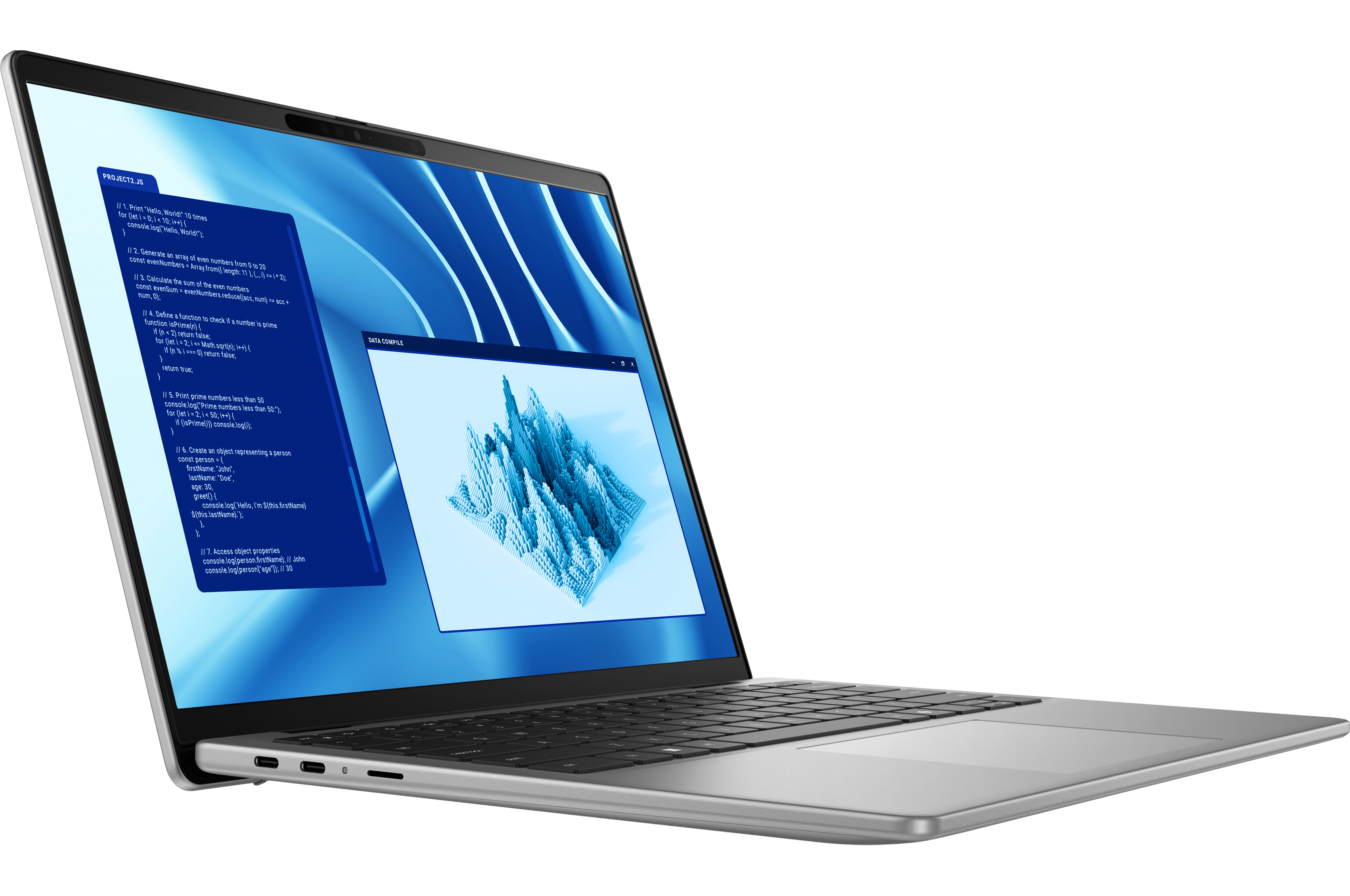
The Dell Latitude 7455 is the kind of 14-inch business laptop that feels “ready” the moment you open the lid. It’s slim (about 14.7–15.6 mm), light at roughly 1.44 kg, and the aluminum build has that quiet, premium feel you want for client calls or travel. The QHD+ 16:10 touchscreen is crisp and easy on the eyes (ComfortView+ helps after long hours). At 400 nits it’s bright enough for offices and cafés; in direct sun you’ll want shade.
Daily performance is snappy. Qualcomm’s Snapdragon X Plus (10 cores up to 3.4 GHz with a capable NPU) keeps Windows 11 on ARM feeling quick in Office, browsers, Teams/Zoom, and light creative work. The dedicated NPU also helps with on-device AI effects and tasks without chewing through the battery. Real-world feedback from pro reviewers consistently calls out strong battery life—“all-day” is realistic if you’re doing typical office workloads.
The webcam setup is excellent for hybrid work: FHD/IR with presence detection (ExpressSign-In), privacy shutter, and noise reduction—exactly the kind of “it just works” experience remote teams appreciate. Ports are modern: 2× USB-C (USB4/DP 2.1 + PD), 1× USB-A, microSD, and a headset jack. There’s no built-in HDMI or Ethernet, so pair it with Dell’s DA310 7-in-1 if you need legacy outputs.
Connectivity is next-gen: Wi-Fi 7 (FastConnect 7800) and Bluetooth 5.4 make crowded networks feel less painful. Your unit’s 16 GB LPDDR5x and 1 TB NVMe 2230 SSD are sensible picks for business longevity. And the included 3-year ProSupport with Next Business Day Onsite is a real differentiator for distributed teams in the Philippines. Dell
Two things to know. First, Windows on ARM is mature for mainstream apps, but niche enterprise tools, VPN agents, and certain drivers may need testing—standard advice is to pilot any must-have app stack before a fleet roll-out. Second, the panel’s 400-nit ceiling is fine indoors but not meant for bright outdoor work.
Bottom line: Portable, quiet, long-lasting, and well-equipped for modern hybrid work. If your key software is ARM-ready—or runs well under emulation—this configuration is a smart, future-leaning business pick. For edge-case legacy apps, validate first, then deploy.